EasyManua.ls Logo

CAME BXV10AGS - User Manual

CAME BXV10AGS
32 pages
Print Icon
To Next Page IconTo Next Page
Loading...
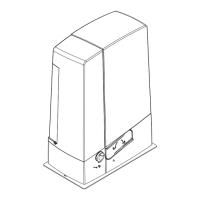
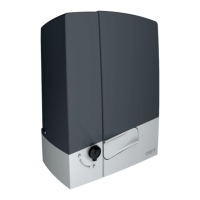
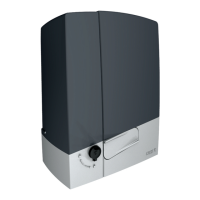
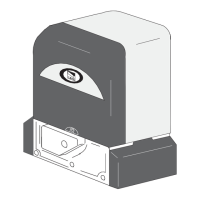
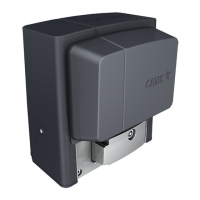
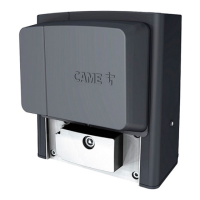
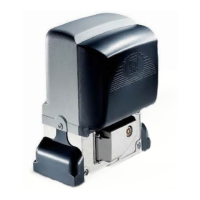
Sliding-gate operators
BXV04AGS BXV06AGS BXV08AGS
BXV10AGS BXV04RGS BXV06RGS
BXV08RGS BXV10RGS BXV06AGM
BXV10AGM BXV04ALS BXV06ALS
BXV08ALS BXV10ALS
INSTALLATION MANUAL
FA01442-EN
EN
English

Questions and Answers

  • S
    Sylvia AllenAug 6, 2025
    What to do if my CAME Gate Opener shows an E3 motor control error?
    • M
      Melissa WeberAug 6, 2025
      If your CAME Gate Opener displays an E3 motor control error, here are several things you can check: * Ensure cables MN and +E- are correctly connected. * Verify that the gate is not blocked. * Make sure the encoder module is installed. * Measure the voltage between points M and N. * Check if thermal protection has been activated. * Examine the position of the limit switches and speed during gate opening and closing. * Confirm that the control board is intact. * Inspect the motor for any damage.

Summary

Sliding-gate operators

GENERAL PRECAUTIONS FOR INSTALLERS

Important safety instructions

Critical safety warnings and directives to follow during installation.

Main points of danger for people

Description of parts

Control board

Technical data

INSTALLATION

Preliminary operations

Initial setup steps including digging and preparing foundation.

Laying the anchoring plate

Instructions for setting and securing the foundation anchoring plate.

ELECTRICAL CONNECTIONS

Passing the electrical cables

Procedures for routing and protecting electrical wiring.

Power supply

Details on connecting the unit to the main power source.

Command and control devices

Safety devices

Wiring and configuration for safety sensors like photocells.

PROGRAMMING

ERROR MESSAGES

FINAL OPERATIONS

CAME BXV10AGS Specifications

General IconGeneral
BrandCAME
ModelBXV10AGS
CategoryGate Opener
LanguageEnglish

Related product manuals