Need help?
Do you have a question about the CAME BX604AGS and is the answer not in the manual?
Crucial safety guidelines for installers to prevent serious harm.
Explains symbols used in the manual for clarity.
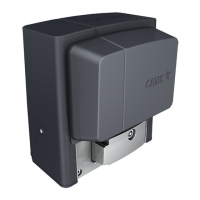
Details the models BX604AGS, BX608AGS, BX608ALS and their specifications.
Specifies the designed application for sliding gates in residential buildings.
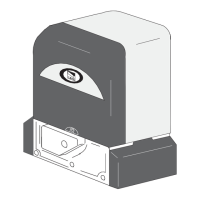
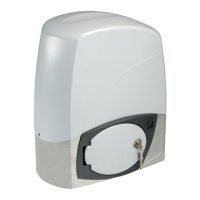
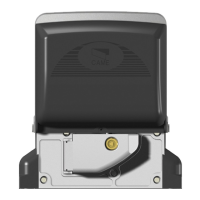
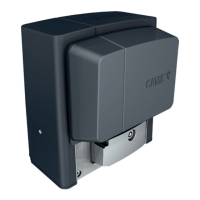
Lists and identifies the components of the operator.
Provides the physical dimensions of the control panel.
Steps before installation, including digging and wiring preparation.
Instructions for setting up and securing the foundation anchoring plate.
Guidelines for routing and connecting wires safely.
Instructions for connecting the main power supply to the system.
Specifics for wiring to 120/230 V AC power sources.
Details the maximum capacity of the control panel's contacts.
Explains the function of the ESC, <>, and ENTER buttons.
Guides the user on initial setup and programming steps.
Associates a function with the CY input based on safety device type.
Checks the operation of connected photocells after commands.
Defines the behavior when a control device is released.
Links commands to specific inputs (2-7, 2-3P).
Configures gate behavior when safety devices detect an obstacle.
Configures operating modes for connected lighting devices.
Details routine checks, lubrication, and cleaning for proper operation.
 General
| Max Gate Weight | 600 kg |
|---|---|
| Operating Temperature | -20°C to +55°C |
| Power Supply | 230 V AC |
| Power | 300 W |
| Maximum Leaf Width | 6 m |

 To Next Page