R
h
P
24
20
16
12
8
6
22
26
30
32
34
36
24
20
16
12
8
6
23
22
21
20
19
18
1716
1514
13121110
9
8
7
65432
1
0
22
26
30
32
34
36
24
20
16
12
8
6
24
20
16
12
8
6
p. 3 - Manual FB00802-EN v. 1- 07/2017 - © CAME S.p.A. - The contents of this manual may be changed, at any time, and without notice.
Description of the icons shown on the display
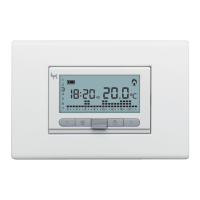
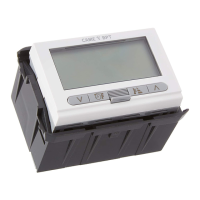
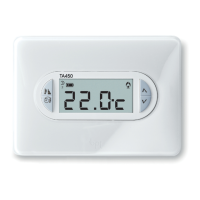
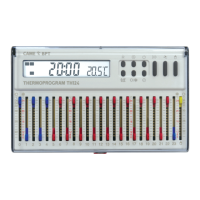
Device description
OFF
Thermal zone excluded from
control
MAN
MANUAL control
of the thermal zone
AUT
AUTOMATIC control
of the thermal zone is active
Heating mode active
Cooling mode active
Digital clock
ON Heater or cooler in operation
Detected temperature
Battery-charge state


 To Next Page