
 Need help?
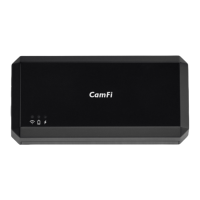
Do you have a question about the CamFi CF102 and is the answer not in the manual?
Steps to connect CamFi with your camera, get the app, and connect to Wi-Fi.
Tap the shutter button to remotely control the camera to capture.
Generate photos with varying exposures by adjusting shutter, aperture, or ISO.
Increase depth of field by taking photos with different focus settings.
Switch to video mode and record video using the capture button.
Stream captured photos to mobile devices or PCs for immediate viewing.
Key information on battery, transmission speed, and hardware connection.
Guidance on recharging, temperature limits, and care for the CamFi battery.
Answers to frequently asked questions about IP address, USB cables, and focus function.
 General
| Brand | CamFi |
|---|---|
| Model | CF102 |
| Category | Remote Control |
| Language | English |

 To Next Page