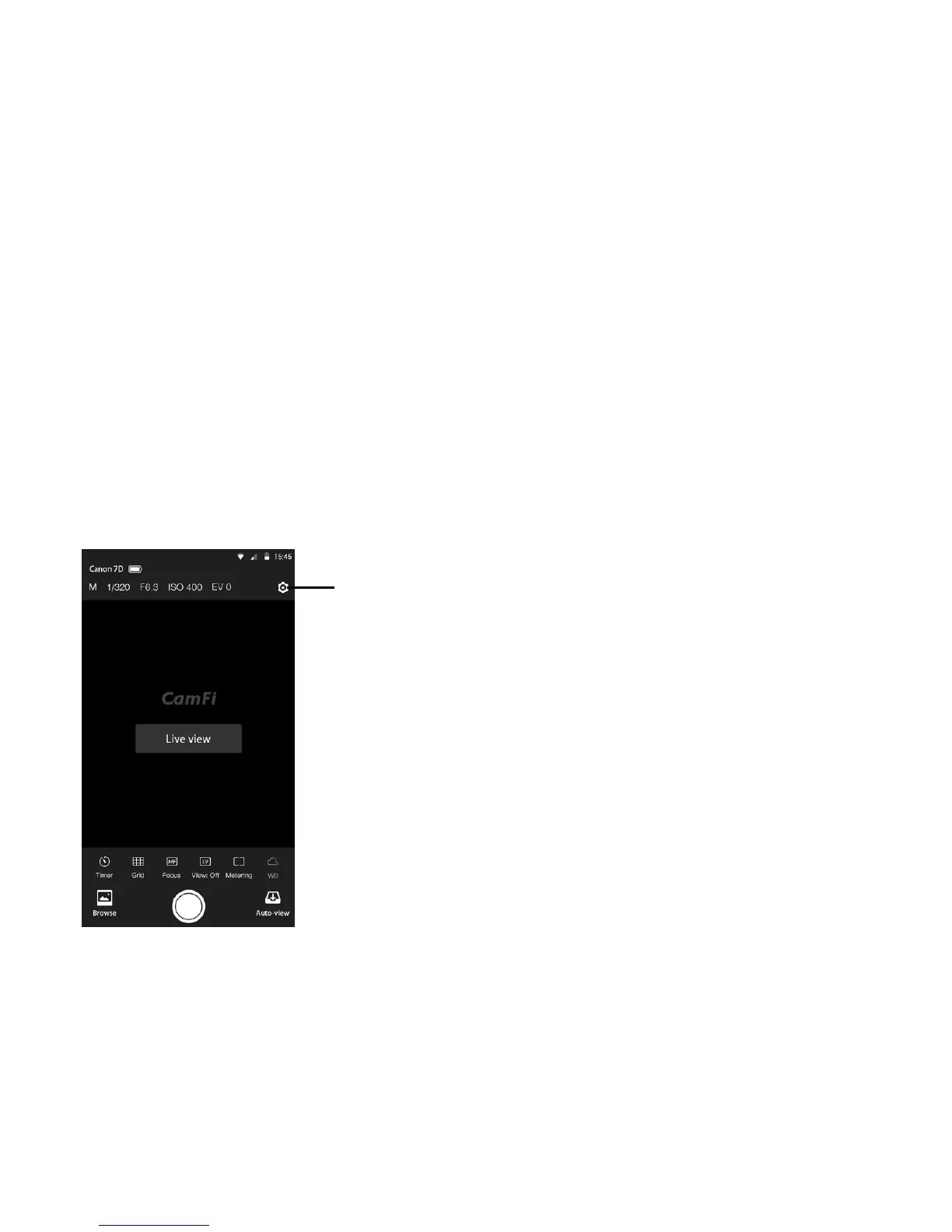
To change CamFi’s settings, please tap the top right Settings icon to open the Settings
view.
Settings
App settings
Go to Settings → Wireless to:
• Change the SSID of the CamFi
• Set the password of the CamFi
• Change the channel of the CamFi
• Go to Settings->Network to:
• Change the IP address of the CamFi
• Change the subnet mask
• Change the gateway
• Change the DNS
Wireless Settings
Network Settings
16


 To Next Page