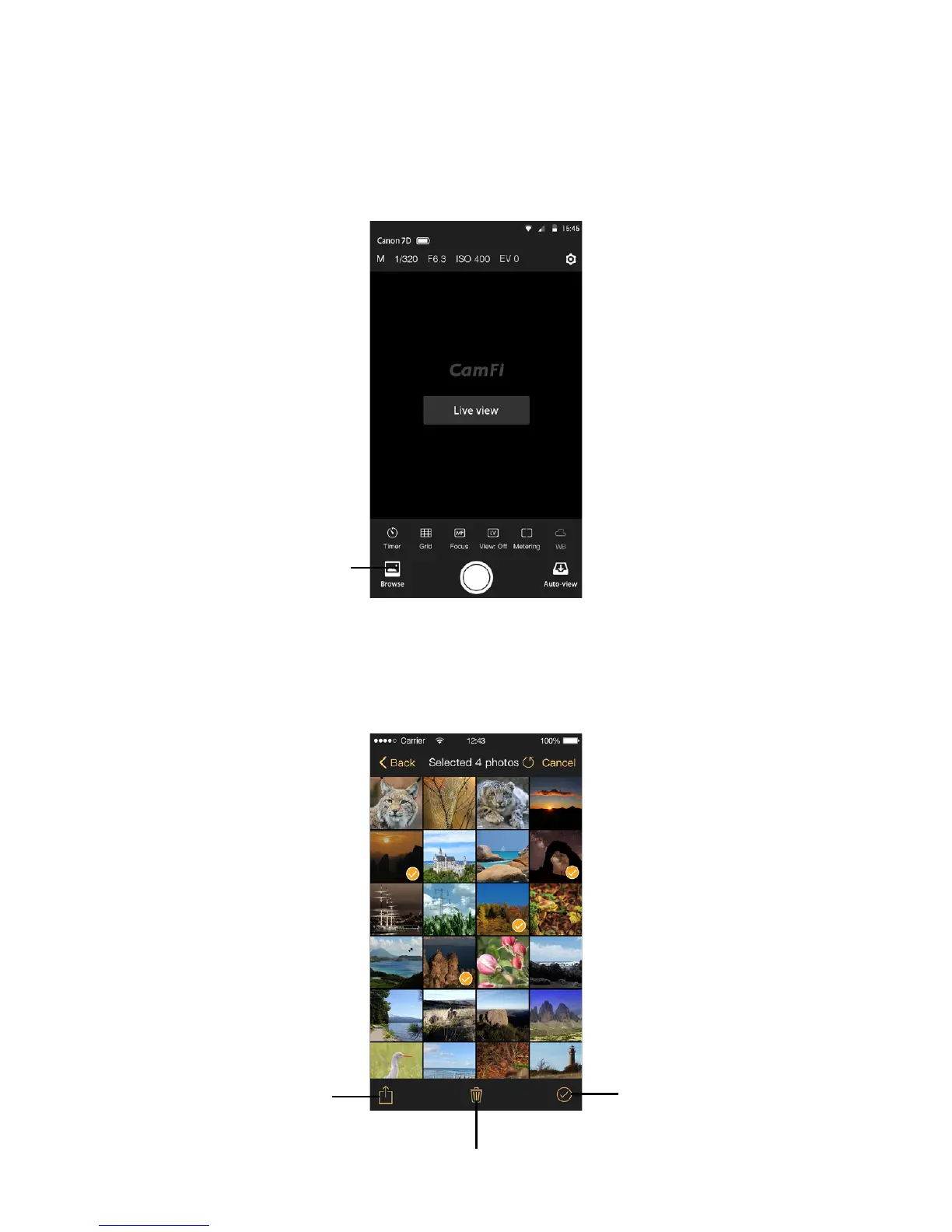
Browse photo
Browse photo
Tap the thumbnail in the lower left to start the browse mode. After entering the browse
mode, you may tap the thumbnail to view a large image.
Share
While viewing thumbnails, tap Select, select items, tap the action button on the bottom
left, and select Share to share the photo to your social networks.
14
View the photos
Share and save
Select all
Delete



 To Next Page