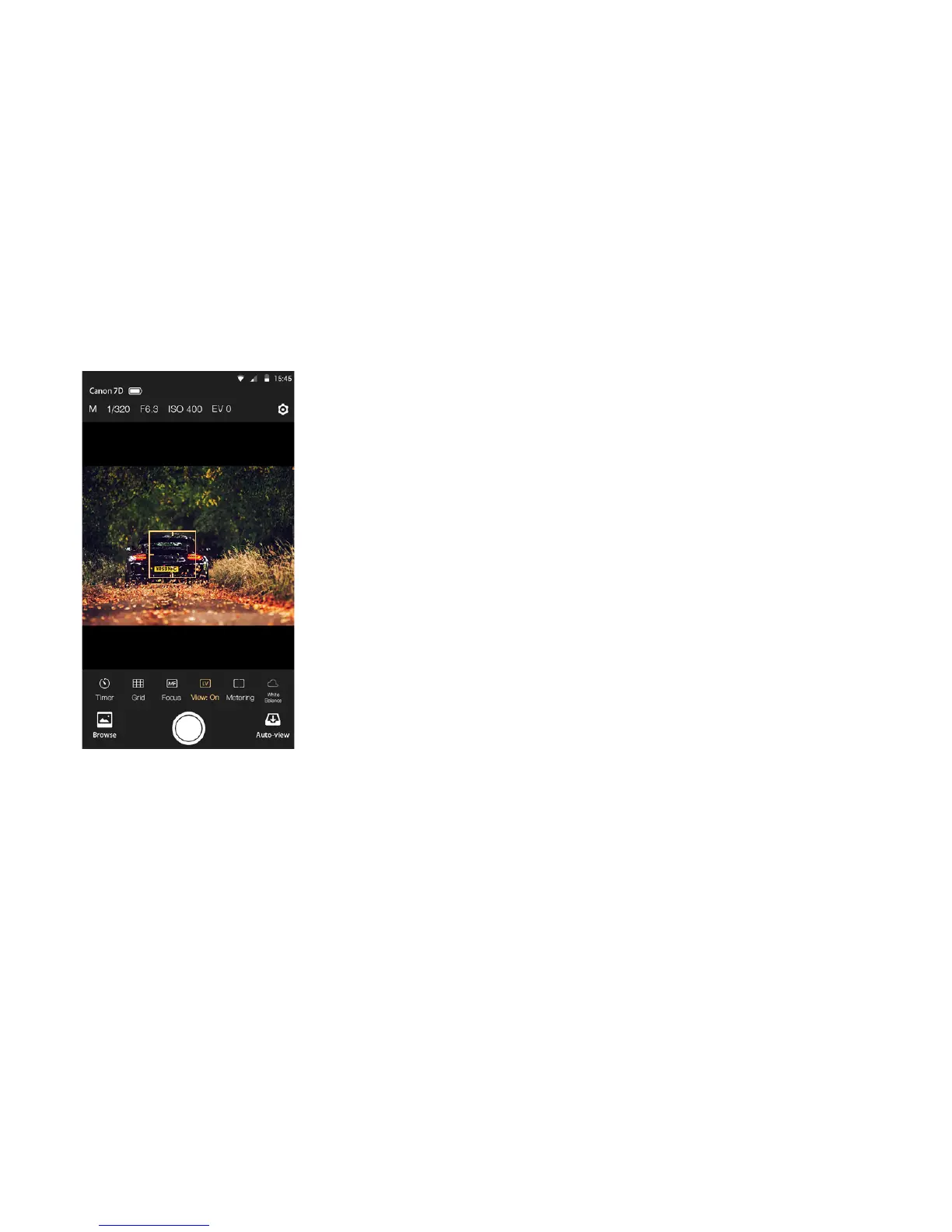
Auto Focus
Tap the viewnder and the camera will try to focus automatically. Auto Focus can only
be used when the lens is set to AF mode and the live view is on.
1. For Canon, you need to change the AF options to the live mode by using the
camera's menu button. Quick or Face Detect Live modes are not supported by the app.
2. For Nikon, it will not work if the AF area mode is Face priority or Subject tracking.
Please change the mode to Wide area or Normal area.
8


 To Next Page