Instruction manual
Series D multipole size 1
5000026173
Version 00
17
NOTE: Instructions for creating a Device Group (from file: 5000024829 - User manual UVIX.pdf)
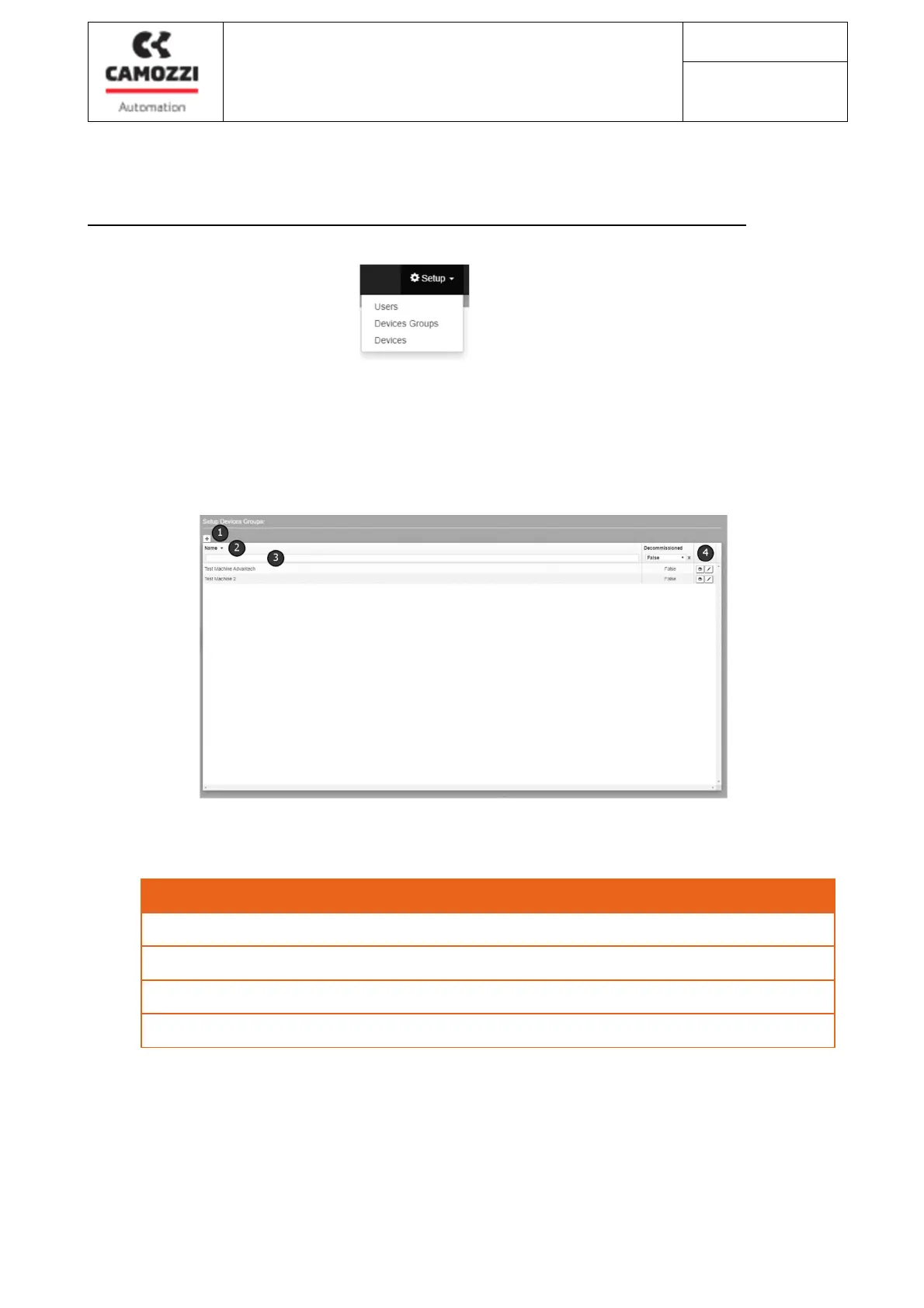
Click on the Setup icon and select the "Devices Group" item
Devices Groups: it is possible to add new device groups by specifying their name, or view and / or
modify the device groups already present in the master data.
Figura 13 – Gestione devices group
Description
1
Button for creating a new group of devices
2
Button for ascending / descending alphabetical sorting
3
Filter of the values contained in the relative column
4
Buttons for viewing the details of the device group or changing its properties



 To Next Page