dvanced Guide
> Printing from a Computer >
Printing with Other Application Software
>
Overview of the Printer Driver
> Canon IJ Printer Driver > Maintenance Tab
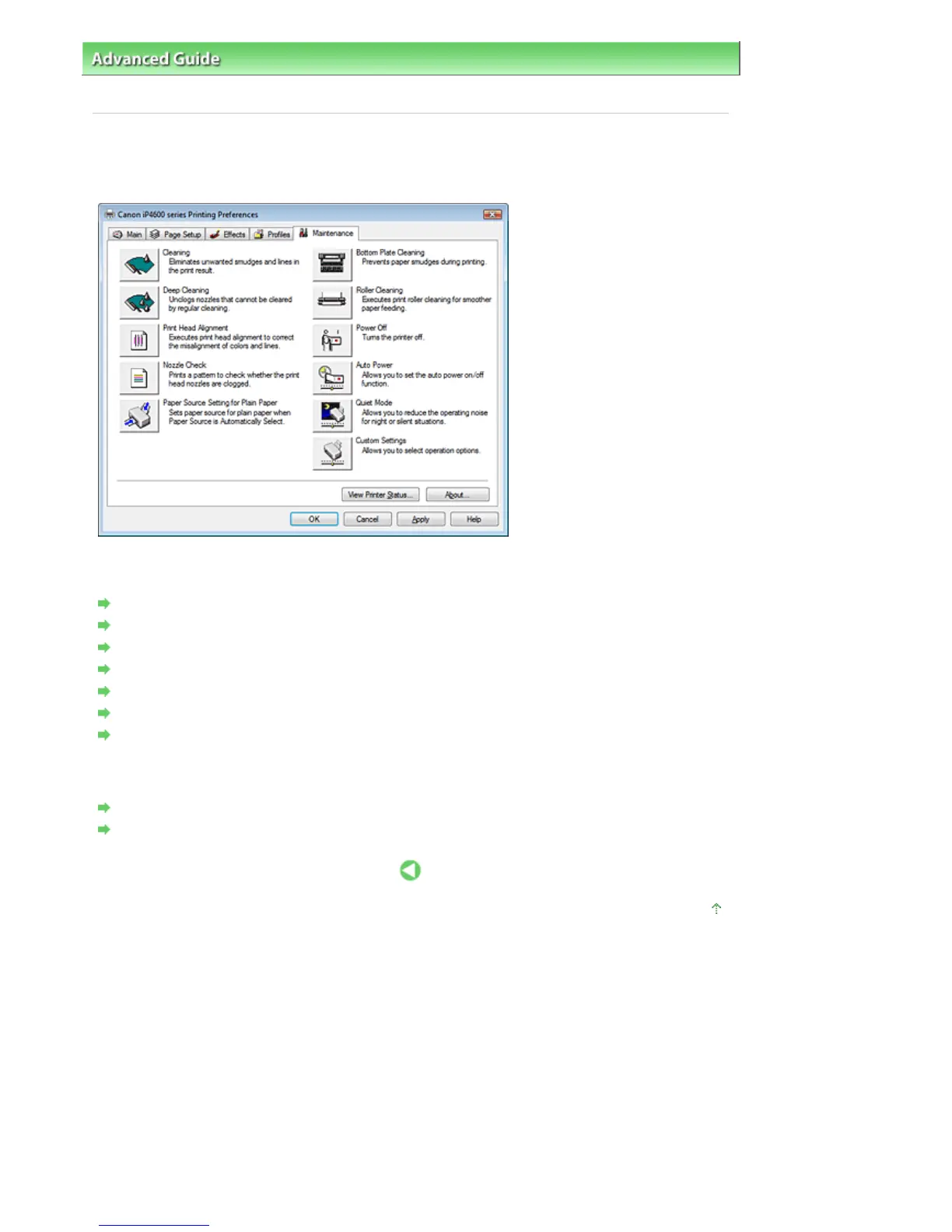
Maintenance Tab
The Maintenance tab allows you to perform printer maintenance or change the settings of the printer.
Features
Cleaning the Print Heads
Cleaning the Paper Feed Rollers
ligning the Print Head Position
Checking the Print Head Nozzles
Setting the Paper Source for Plain Paper
Cleaning Inside the Printer
Managing the Printer Power
Related features
Reducing the Printer Noise/Quiet Mode
Changing the Printer Operation Mode
Page top
Стр. 263 из 396 стр.Maintenance Tab













 To Next Page