Note
Clicking Initial Check Items displays the items to be checked before printing the pattern.
5.
Examine the pattern.
See
Examining the Nozzle Check Pattern
.
1.
Make sure that the power is turned on and one or more sheets of A4 or Letter-sized
plain paper are loaded in the Cassette.
2.
Open the Paper Output Tray gently, and extend to open the Output Tray Extension.
3.
Open the Canon IJ Printer Utility dialog box.
See
Opening the Canon IJ Printer Utility (Macintosh)
.
4.
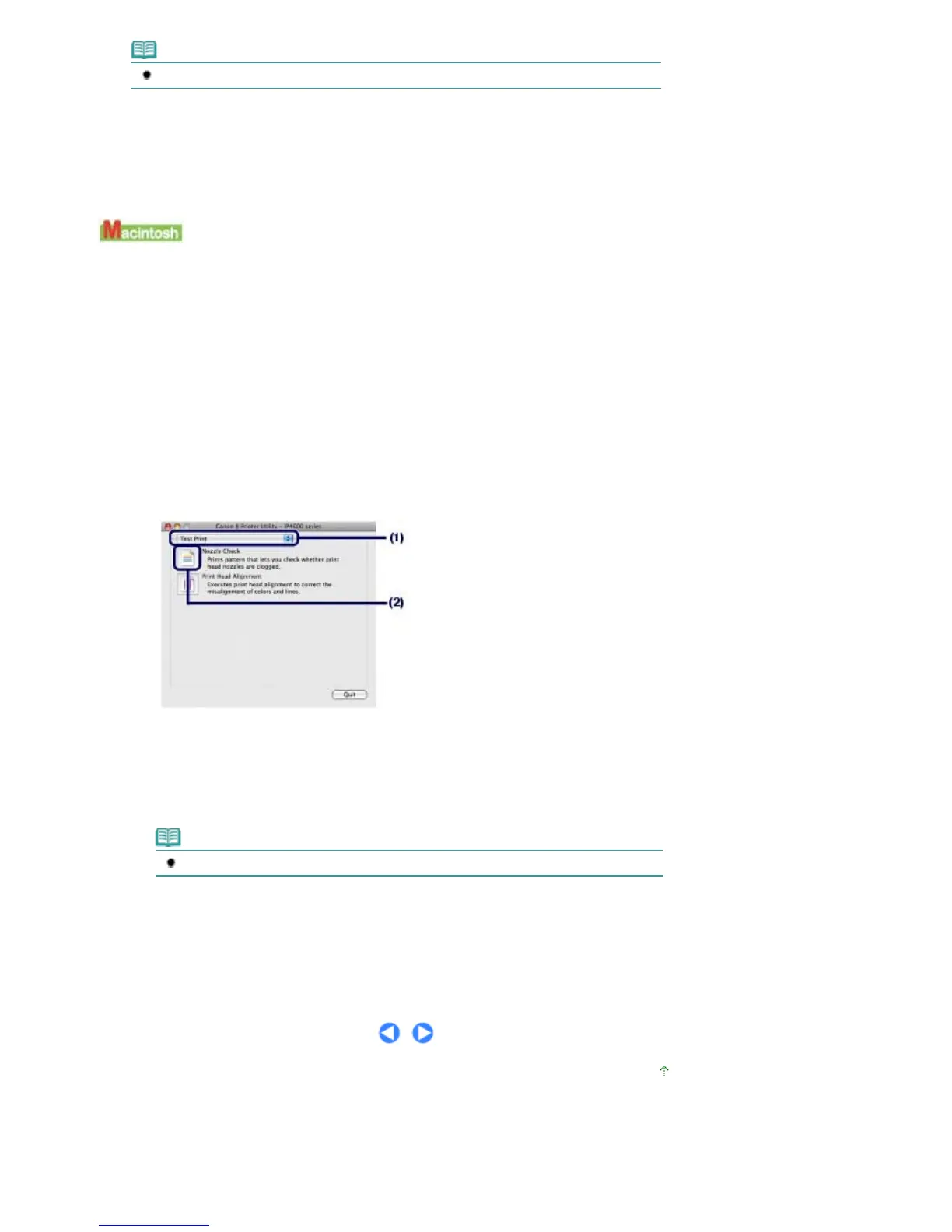
Print the nozzle check pattern.
(1)
Select Test Print in the pop-up menu.
(2)
Click Nozzle Check.
(3)
Confirm the displayed message and click Print Check Pattern.
The nozzle check pattern will be printed. Do not open the Top Cover while printing is in progress.
Note
Clicking Initial Check Items displays the items to be checked before printing the pattern.
5.
Examine the pattern.
See
Examining the Nozzle Check Pattern
.
Page top
Стр. 50 из 396 стр.Printing the Nozzle Check Pattern













 To Next Page