dvanced Guide
>
How to Use This Manual > Operating the Contents Screen
Operating the Contents Screen
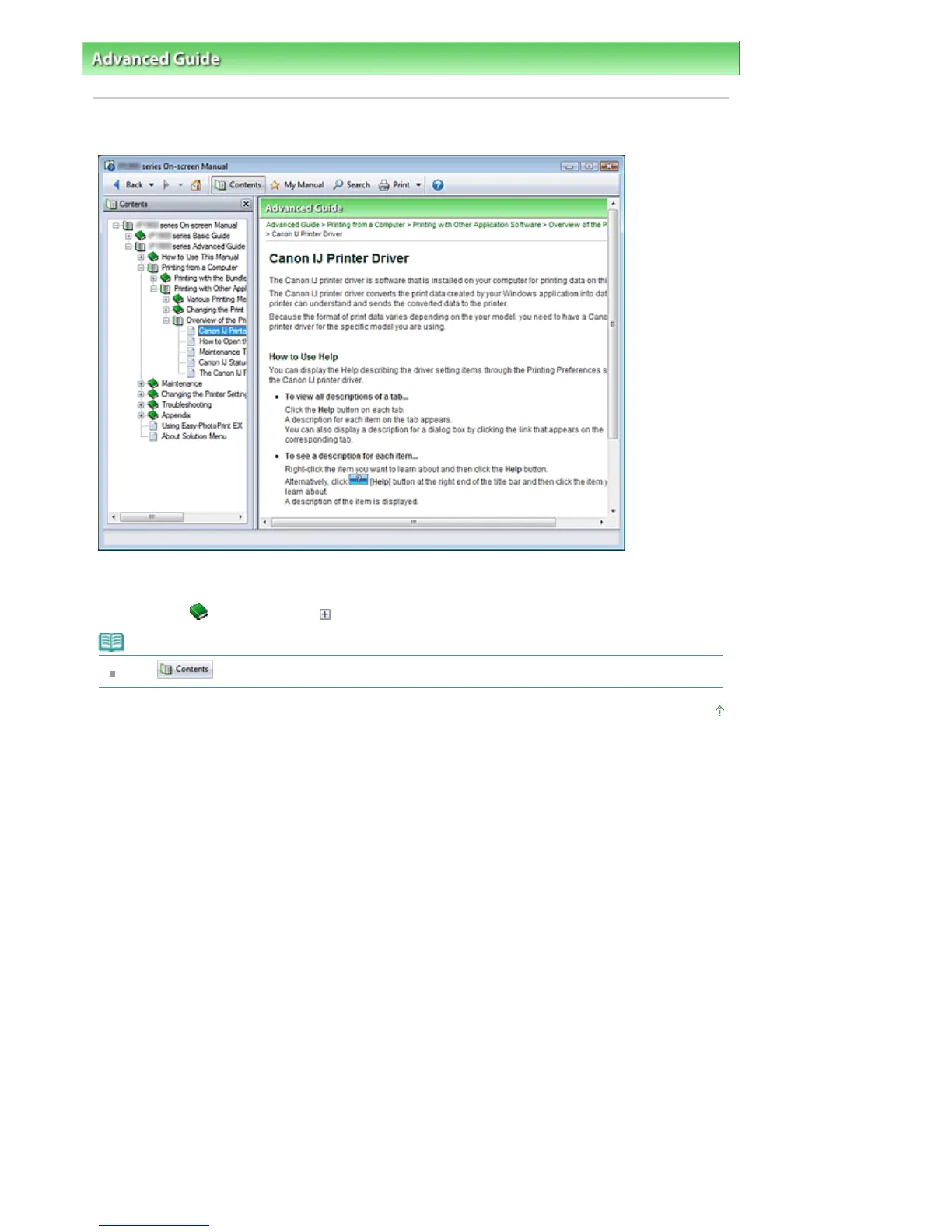
When you click a title displayed in the Contents screen found to the left of the On-screen Manual, the
pages of that title are displayed in the description window on the right side.
When you click
found to the left of
, the titles found in the lower hierarchies are displayed.
Note
Click
to close or display the Contents screen.
Page top
Стр. 83 из 396 стр.Operating the Contents Screen













 To Next Page