iii
❏ How This Manual is Organized
This manual consists of the following chapters.
Chapter 1 Before Use
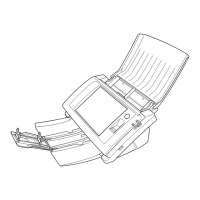
This chapter provides an overview of the ScanFront.
Chapter 2 Handling
This chapter describes the types of documents that can be
scanned, and the basic operations of the scanner.
Chapter 3 Operating Procedures
This chapter describes the basic operating procedures for
the scanner.
Chapter 4 Web Menu (User Mode)
This chapter describes the Web menu for the user to
configure settings.
Chapter 5 Troubleshooting
This chapter describes how to respond when problems
occur or warning messages appear.
Chapter 6 Index






 To Next Page