5-5
5
Troubleshooting
Hardware
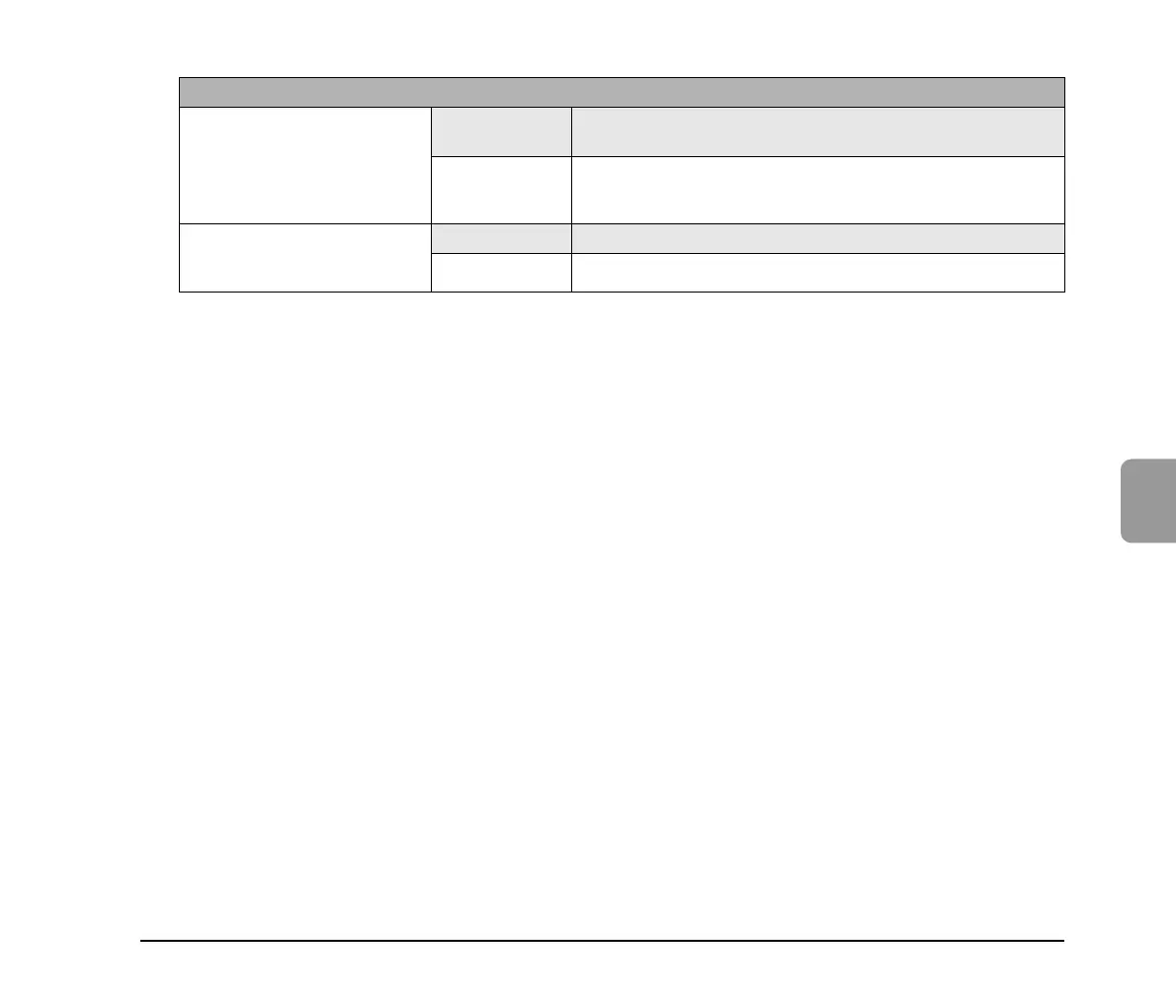
Cannot turn on the power
Cause
The AC adapter is not connected properly or the power plug is not
inserted.
Solution
Check the connections of the AC adapter and power plug. If the
problem is not resolved after checking the connections, contact your
local authorized Canon dealer.
The scanner does not turn ON
when the power switch is
pressed.
Cause A USB memory device in inserted in the scanner.
Solution Remove the USB memory device, and restart the scanner.






 To Next Page