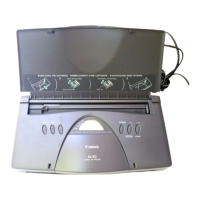
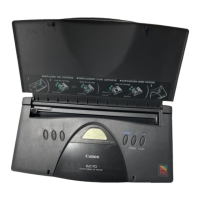
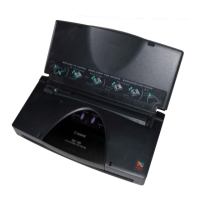
4.2. Service mode operation procedures
1) Close the access cover, and turn off the printer. While pressing the Resume/Cancel button, press and
hold the Power button. (The LED lights in green to indicate that a function is selectable.)
2) While holding the Power button, release the Resume/Cancel button.
3) While holding the Power button, press the Resume/Cancel button 2 times, and then release the Power
and Resume/Cancel buttons. (In the operation panel, “02” will be displayed. Each time the
Resume/Cancel button is pressed, the LED lights alternately in either orange or green. During
initialization, the LED blinks in green.)
4) When the LED stops blinking and lights in green, press the Resume/Cancel button the specified number
of time(s) according to the function listed in the table below. (Each time the Resume/Cancel button is
pressed, the LED lights alternately in either orange or green.)
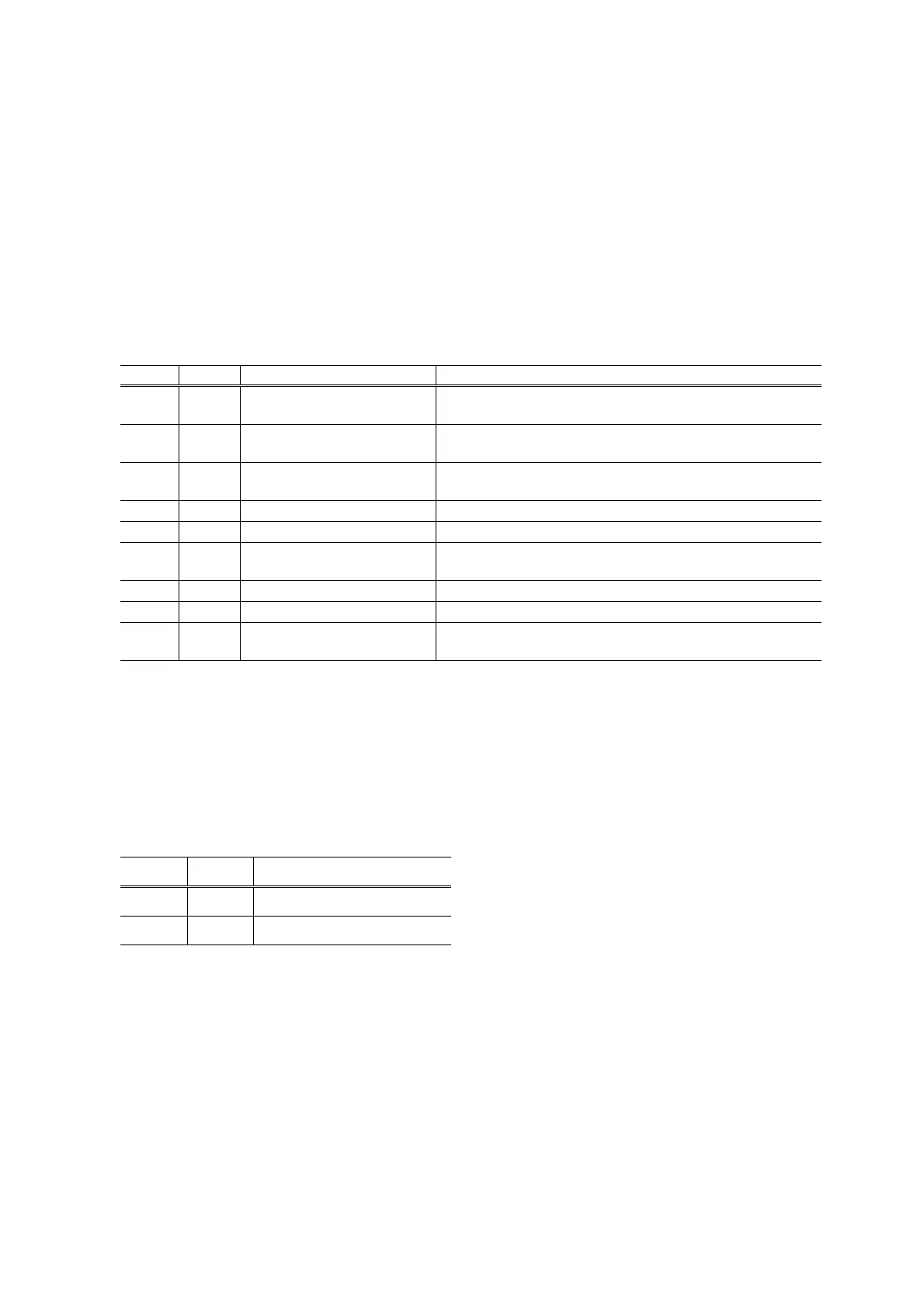
Time(s) LED Function Remarks
0 times Green Power off When the print head is not installed, the carriage returns
and locks in the home position.
1 time Orange Service test print When the Power button is pressed during printing, printing
stops, and the mode returns to step 4) above.
2 times Green EEPROM information print When the Power button is pressed during printing, printing
stops, and the mode returns to step 4) above.
3 times Orange EEPROM initialization
4 times Green Waste ink counter resetting
5 times Orange Destination settings Proceed to the following steps 5) and then 6) to set the
destination.
6 times Green Print head deep cleaning Cleans black and color, simultaneously.
7 times Orange Not used in servicing
8 times
or more
Green Return to the menu selection Return to step 4) above.
5) After the function (menu) is selected, press the Power button. The LED lights in green, and the selected
function is performed. (When the operation completes, the printer returns to step 4) above.)
<Destination setting>
6) Press the Resume/Cancel button the specified number of time(s) according to the destination listed in
the table below, and then the Power button.
Time(s) LED Destination
1 time Orange Overseas: i450
2 times Green Japan: PIXUS 450i
7



 To Next Page