2
imagePRESS C850/C750/C650/C65
2
Recommended Types of Calibration
The density and tone of colors may change as you print
large volumes of pages� Even if you are printing the same
image, slight variations in the shades of colors may become
apparent� This is characteristic to this machine� You need
to calibrate the colors periodically to compensate for the
difference in colors� The following two types of calibration
can be done periodically� Refer to the following and select
the type of calibration that meets your needs�
If you want to calibrate the colors quickly and
easily*
1
Simple Calibration (p� 4)
If you want to calibrate the colors as precisely
as possible even if it takes time and effort
Enhanced Calibration (p� 5)
If the environment of the location in which
you have installed the machine is outside the
recommended range*
2
Enhanced Calibration (p� 5)
*1 You can select this type of calibration only if the environment in which the machine is installed is within the recommended range*
2
�
*2 For information on the environment (temperature and humidity) for installing the machine and storing paper, see the
Installation and Operating Environment Guidelines or the Specialty Media Handling Guide�
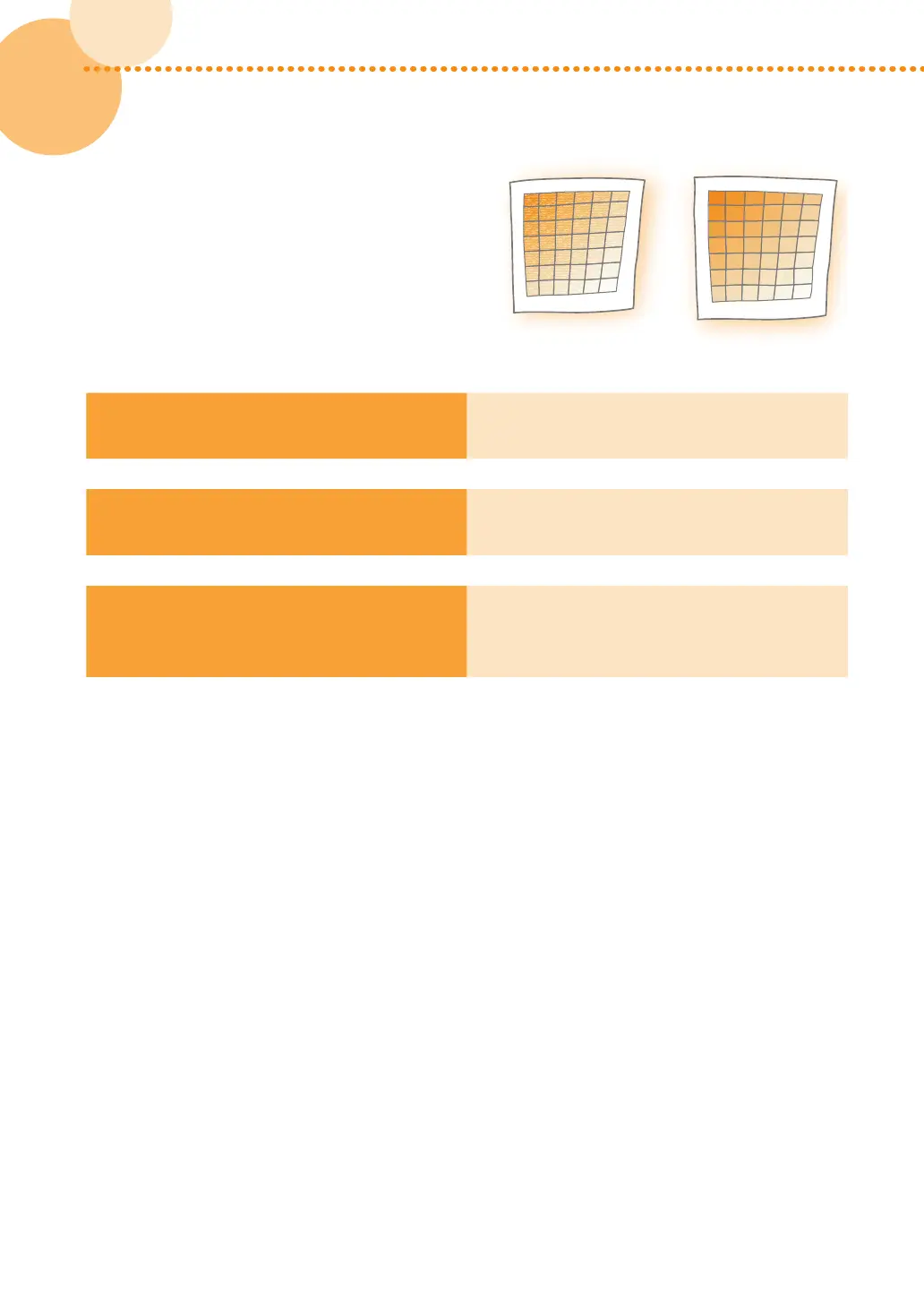
Simple Calibration Enhanced Calibration
or














 To Next Page