7.7 Stereo photography 215
f
Still in telephoto position, focus on the farthest object and half-press
the shutter button. The entry “Far” will be updated.
f
Zoom back to the desired zoom position. The value of entry “Shift” will
change with the focal length.
f
Dial in the resulting “Shift” value under Deviation factor. The image
pixel width divided by the Deviation factor determines the maximum
deviation in pixels for later viewing.
f
Now you are ready to display the guidelines. First, disable the option
Disable deviation guideline. Also set the Twin-Cam position to R.
f
Then go to ALT > MENU > Advanced Menu > OSD parameters > Grid set-
tings. Enable the option Show grid lines and invoke the function Load
grid from file… to load Deviation_H.GRD (DEVIAT~1.GRD on DryOS).
o2
o1
a
b
c1
c2
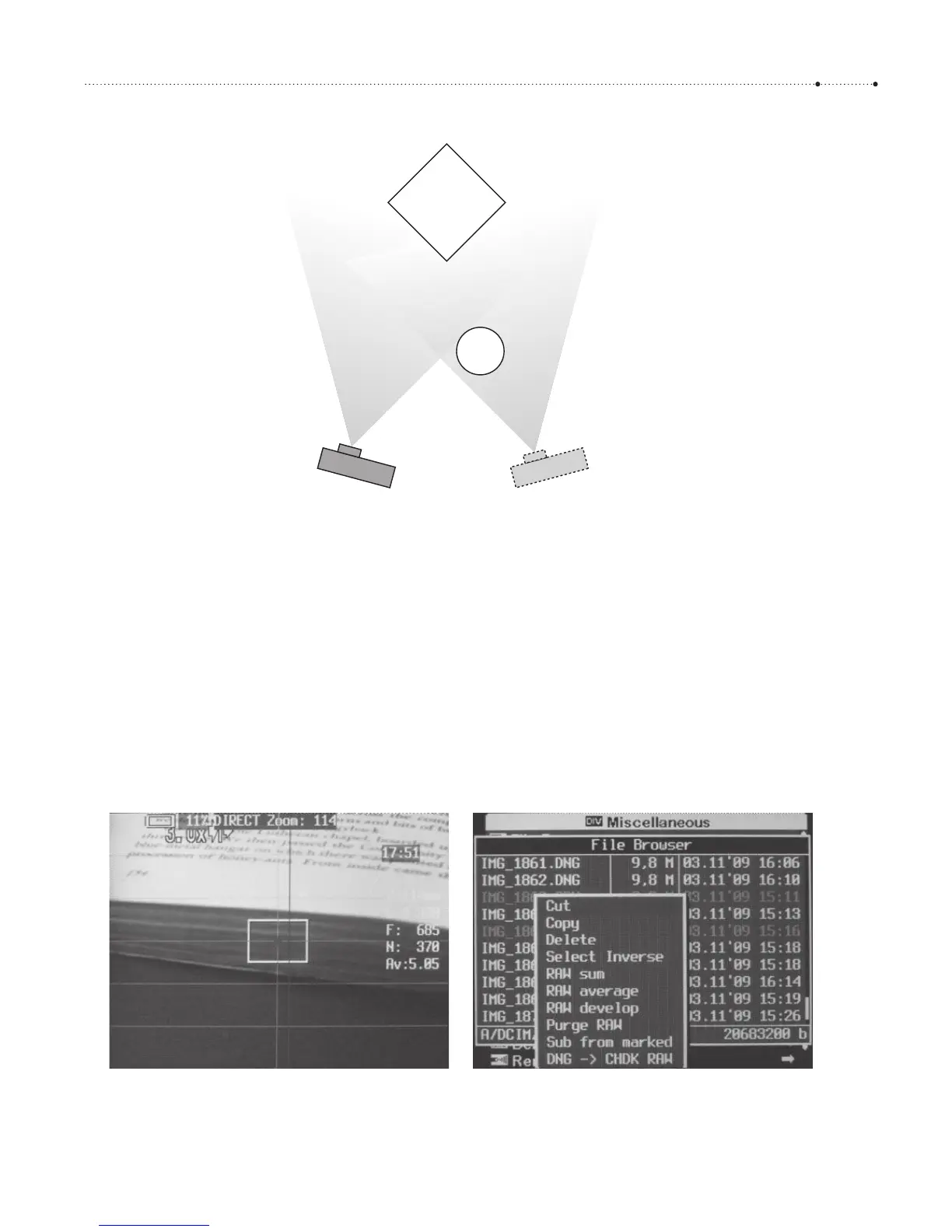
Figure 7-7
Close-up work and stereo photography
have their own problems. Here are two:
camera c1 sees object o1 from a
different perspective than camera c2.
c1 sees more of edge a while c2 sees
more of edge b. Object o2 is so close
that it is only seen by camera c2. It will
appear as a ghost. In both cases,
reducing the distance between the
cameras or increasing the subject
distance will help.
Figure 7-8
The grid Deviation_H.GRD in action.
The horizontal lines can be used for
orientation and alignment. The
distance between the vertical line in
the center and the deviation line at the
right indicates the maximum
acceptable deviation.








 To Next Page