4.3 Exposure 43
You may wonder why the curve editor supports two green curves (Green-1,
Green-2). The reason is that the camera’s sensor cells are divided into Red,
Green-1, Blue, and Green-2, resulting in two green channels. Four sensor
cells can be nicely arranged in a 2x2 pattern. Green was duplicated because
the human eye is especially responsive to green colors.
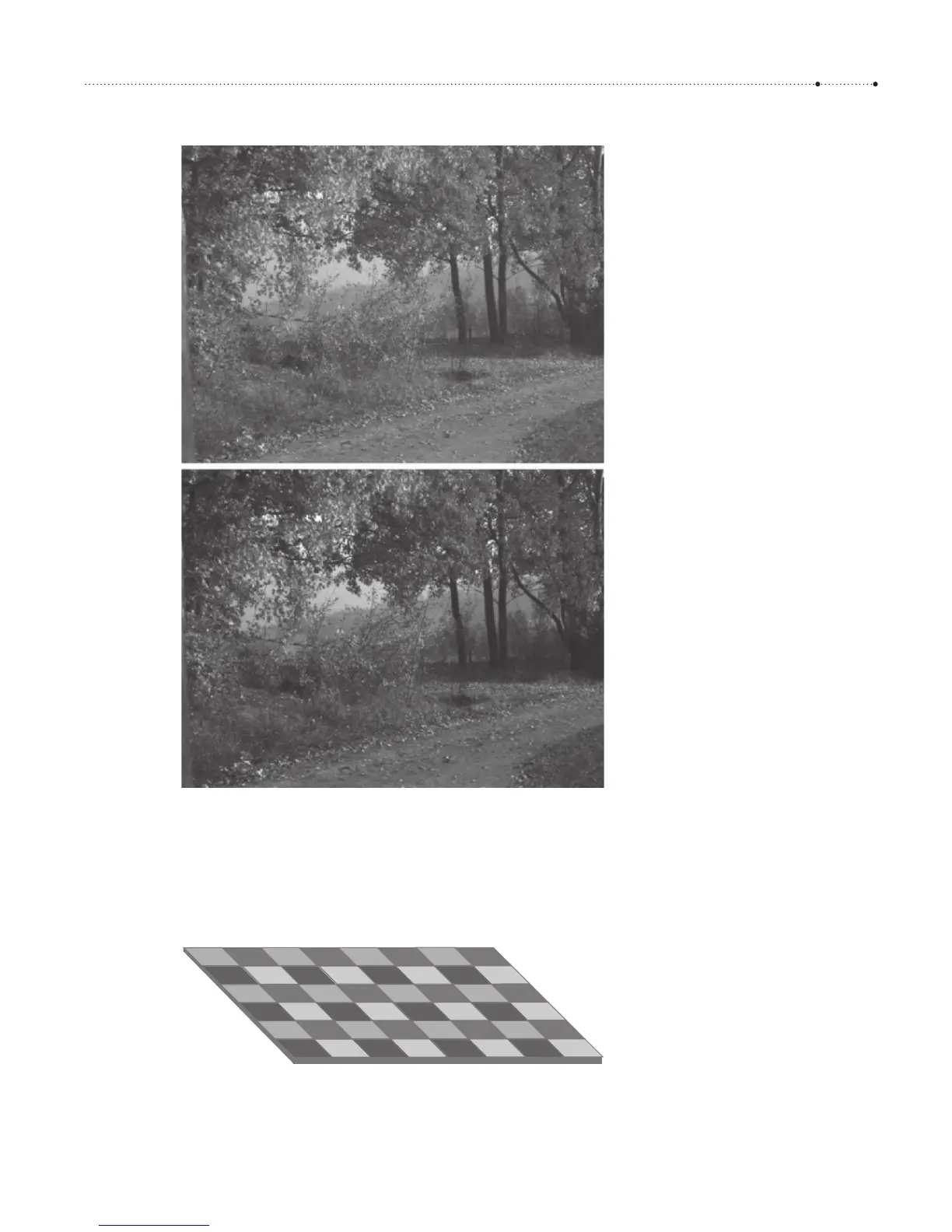
Figure 4-28
Application of the S-curve from
Figure 4-27 to an autumn scene.
The upper image was delivered as a
DNG file, the lower image as a JPEG
file. As you can see, the JPEG image
has more contrast in the midtones.
Figure 4-29
The photocells of the camera sensor
are not sensitive to color. The Bayer
filter—placed in front of the sensor—
assigns a specific color to each cell
(Red, Green-1, Blue, or Green-2). When
the RAW sensor data is developed by
software—either in-camera or on a
PC—the full color pixel values are
interpolated by fetching the missing
colors from the neighbor cells.








 To Next Page