EasyManua.ls Logo

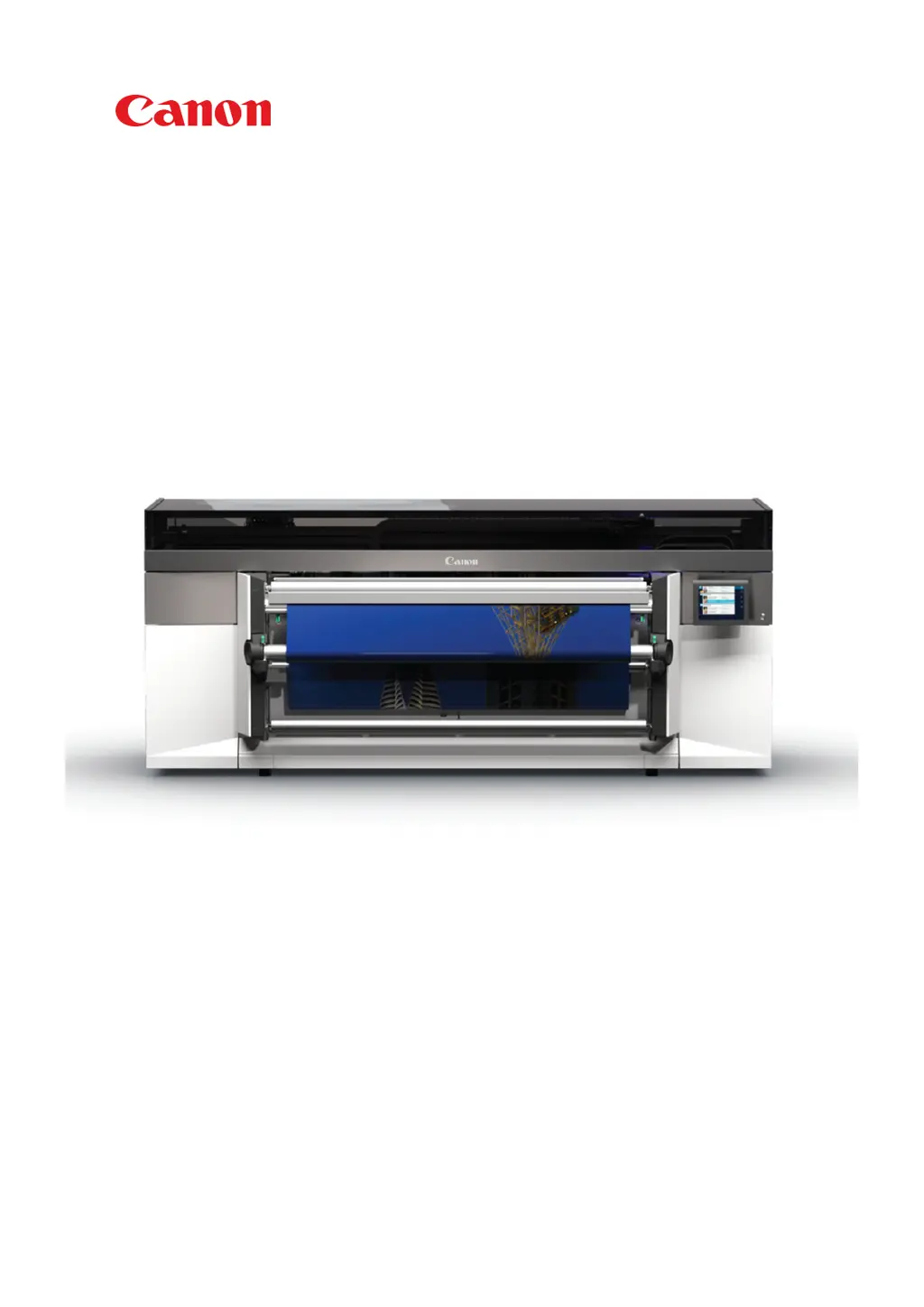
Canon Colorado 1650 - User Manual

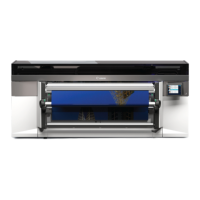
Canon Colorado 1650
384 pages
Print Icon
To Next Page IconTo Next Page
Loading...
Colorado 1650
Extended operation guide
© 2020 - 2022 Canon Production Printing

Table of Contents

Questions and Answers

Summary

Chapter 1 Introduction

Safe use

Provides essential safety precautions for operating the printer.

Chapter 2 Safety information

Safety System

Describes the safety features and mechanisms of the printer.

Chapter 4 Handle the media

Configure media in the RIP

Explains how to configure media profiles within the RIP software.

Manage media profiles in ONYX

Details managing media profiles using ONYX RIP software.

Manage media profiles in Caldera

Details managing media profiles using Caldera RIP software.

Change the media settings

Guide to adjusting various media settings in the RIP.

Load a media roll (position 1)

Detailed steps for loading a media roll into the first position.

Load a media roll (position 2)

Detailed steps for loading a media roll into the second position.

Calibrate the media

Steps to calibrate the media for optimal print quality.

Chapter 5 Print a job

Print a job

Step-by-step instructions for submitting and printing a job.

Chapter 6 Maintain the system

Maintain the print quality

Guidelines for regular maintenance to ensure print quality.

Automatic maintenance

Details on the automated maintenance procedures.

Manual maintenance

Steps for performing manual maintenance tasks.

Periodic maintenance

Information on scheduled periodic maintenance actions.

Refill ink

Steps for refilling the printer's ink bottles.

Replace the maintenance tray (first design)

Guide for replacing the maintenance tray on older models.

Replace the wiper

Steps for replacing the printer's wiper.

Replace the knife

Instructions for replacing the media cutting knife.

Replace the filters

Procedure for replacing the printer's filters.

Clean the maintenance station, wiper and clean wall

Procedure for cleaning the maintenance station components.

Chapter 7 Improve quality

Chapter 8 Configure the network and security settings

Chapter 9 Troubleshooting and support

Solve specific quality problems

Troubleshooting guide for specific print quality issues.

Canon Colorado 1650 Specifications

General IconGeneral
Print TechnologyUVgel
ConnectivityEthernet
Operating System CompatibilityWindows
Maximum Print Width64 inches (1625 mm)
Ink TypeUVgel ink
Media Typesself-adhesive vinyl
SpeedUp to 159 m²/hr
Curing TechnologyUV LED
Maximum Media Width64 inches (1625 mm)
Print ResolutionUp to 1800 dpi
Print SpeedUp to 159 m²/hr
Media ThicknessUp to 0.8 mm
Ink ConfigurationCMYK

Related product manuals