CREATE YOUR OWN DVD
WITH EASE
22
•AVCHD/MPEG-2 Burner
•Works with Canon Hard Disk Drive and Flash Memory camcorders
•Super simple one-touch operation
•Playback your videos through your camcorder (AVCHD Only)*
•Flexible recording options add convenience
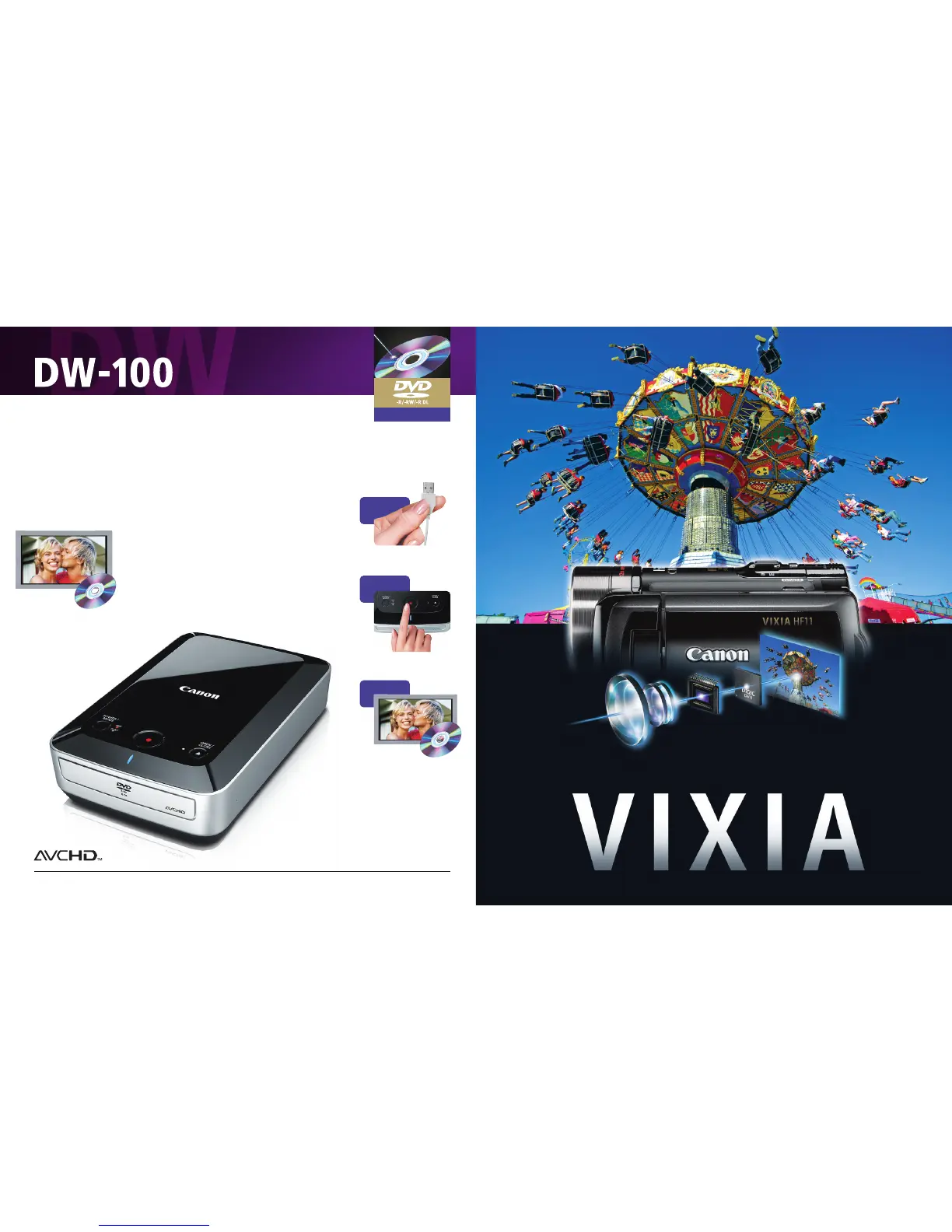
Create and Play Your Own DVDs
Canon simplifies your video experience with this one-touch DVD
burner. Just connect your Canon Hard Disk Drive or Flash Memory
camcorder to record over two and one-half hours of footage onto
a standard 5" DVD. The burner can also be used to play AVCHD
DVDs on your television. Choose to record all, part, or previously
unrecorded video from your camcorder.
DVD BURNER
* Canon VIXIA HF11, HF10, HF100, HG21, HG20, HG10
† DVD media containing AVCHD footage should only be used in AVCHD compatible players otherwise the DVD player may fail to eject the media and may erase its
contents without warning.
Records your
footage onto
standard 5" DVDs
3
PLAY
2
RECORD
1
CONNECT
Connect the DW-100 to a compati-
ble Canon Camcorder.
Press to record your footage to a
standard 5" DVD.
Play back your DVD
at your convenience!
†
Canon Exclusive Digital Trinity:
a Genuine C
anon HD Video Lens, a Canon Full HD Image Sensor
(1920 x 1080), and a Canon DIGIC DV II Image Processor
Shoot. Capture. See. Be HD.



 To Next Page