38 39
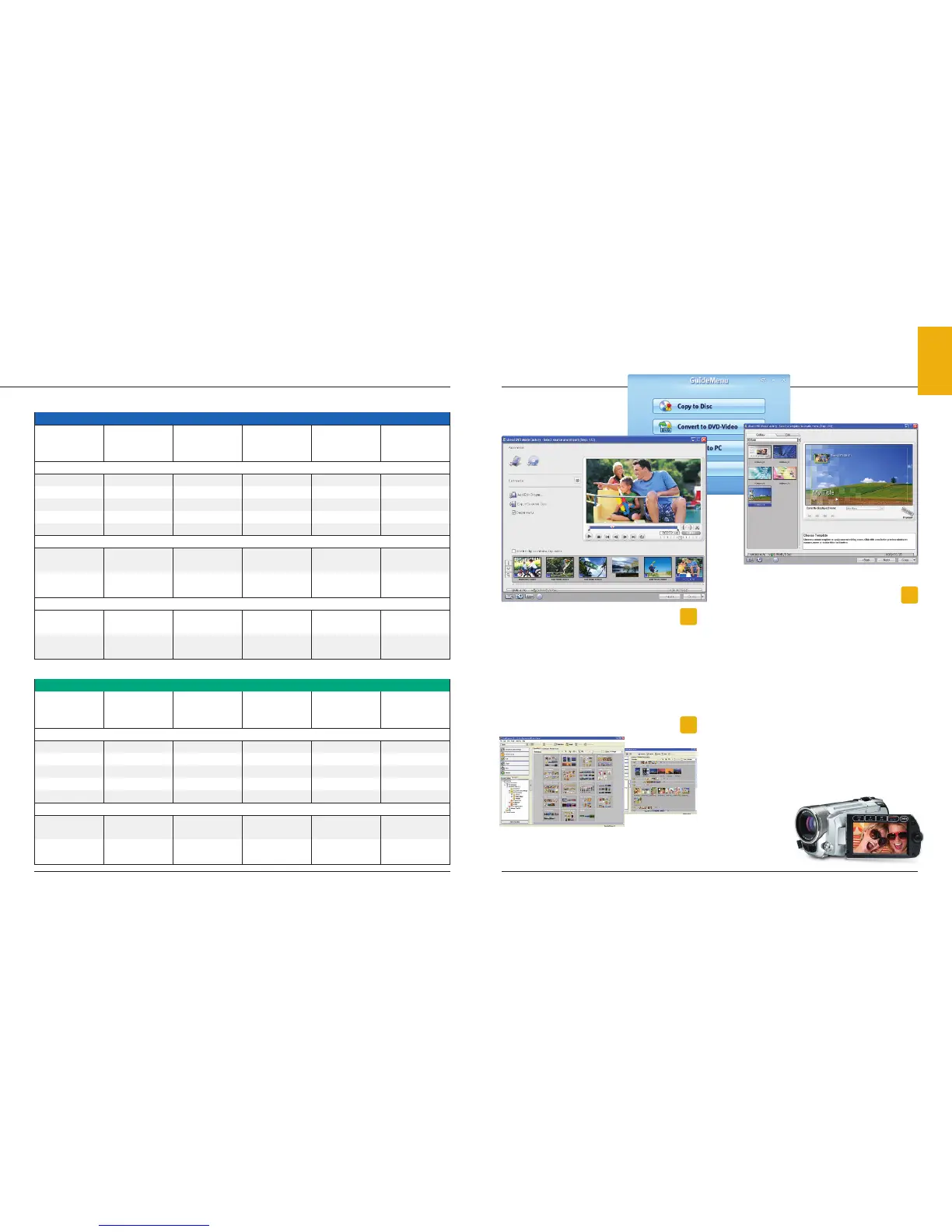
COREL APPLICATION DISK (DC330)
– WINDOWS XP & VISTA
With the supplied Corel Application Disk, all the tools you need
to get the most out of your DVD camcorder are right at your
fingertips. Easily make copies of your DVD to share with friends
and family. Want to create the next Hollywood blockbuster?
The Corel Application Disk features a simple-to-use video editor
which allows you to: trim and delete scenes, add titles,
transitions, and music.
CANON DIGITAL VIDEO SOLUTION DISK
(ALL MODELS EXCEPT ZR950/ZR930)
Canon camcorders include ZoomBrowser EX (Windows) /
ImageBrowser (Mac) which provides tools for still image file
management, image viewing and editing.
Software
Software
PIXELA IMAGEMIXER 3SE (VIXIA HF11/HF10/
HF100, HG21, HG20, FS11, FS10, FS100)
Enjoy the flexibility and versatility of your Canon Flash Memory
camcorder or Hard Disk Drive camcorder with the supplied
Pixela ImageMixer 3SE software. This powerful software lets
you organize, enhance, and share your video. An easy-to-use
application launcher makes it easy to transfer your video to
your computer, burn an AVCHD
†
DVD or Standard Definition
DVD. A sophisticated catalog system keeps all your videos
indexed and organized—so you can always find them quickly.
Inside ImageMixer 3SE lives feature-packed video editing
software, allowing you to trim, reorder, or combine scenes.
To give your movies a professional touch, simply add scene
transitions, music, and titles. And when you’re finished, burn
an AVCHD
†
DVD, Blu-Ray DVD
*
or Standard Definition DVD to
relive the memories on your TV. A built-in video player allows
you to play your AVCHD
†
DVD, as well as AVCHD
†
or MPEG2 data
files on you computer. For added versatility, Pixela ImageMixer
3SE can convert your movie to a file format compatible with
web video sharing sites.
Additionally, your
movie can be resized
for online posting,
and viewed on
portable entertain-
ment devices.
Software
Software
ZoomBrowser EX–Zoom Mode
Scroll Mode
† High Definition footage in the AVCHD format can be copied onto DVD media with included software. However, DVD media containing AVCHD footage should only be used
in AVCHD compatible players otherwise the DVD player may fail to eject the media and may erase its contents without warning.
* Blu-Ray DVD burner required.
Canon Digital Video Technology
MXP*
High Image Quality
Ap
prox. 24 Mbps
FXP*
High Image Quality
Approx. 17 Mbps
XP+
High Im
age Quality
Ap
prox. 12 Mbps
SP
St
andard
App
rox. 7 Mbps
LP
L
ong Play
App
rox. 5 Mbps
2GB 10 min. 15 min. 20 min. 35 min. 45 min.
4GB 20 min. 30 min. 40 min. 1 hr. 10 min. 1 hr. 30 min.
8GB 40 min. 60 min. 1 hr. 25 min. 2 hr. 20 min. 3 hr.
16GB 1 hr. 25 min. 2 hr. 5 min. 2 hr. 50 min. 4 hr. 45 min. 6 hr. 5 min.
32GB 2 hr. 55 min. 4 hr. 10 min. 5 hr. 45 min. 9 hr. 35 min. 12 hr. 15 min.
VIXIA HF10 (16GB) – 2 hr. 5 min. 2 hr. 50 min. 4 hr. 45 min. 6 hr. 5 min.
VIXIA HF11 (32GB) 2 hr. 55 min. 4 hr. 10 min. 5 hr. 45 min. 9 hr. 35 min. 12 hr. 15 min.
VIXIA HG21 (120GB) 11 hr. 5 min. 15 hr. 45 min. 21 hr. 40 min. 36 hr. 45 hr. 55 min.
VIXIA HG20 (60GB) 5 hr. 30 min. 7 hr. 50 min. 10 hr. 50 min. 18 hr. 22 hr. 55 min.
––
XP High
Image Qua
lity
Approx. 9 Mbp
s
SP
Standar
d
Approx. 6 Mbp
s
LP
Long P
lay
Approx. 3 Mbp
s
2GB – – 25 min. 40 min. 1 hr. 15 min.
4GB – – 55 min. 1 hr. 20 min. 2 hr. 35 min.
8GB – – 1 hr. 50 min. 2 hr. 45 min. 5 hr. 10 min.
16GB – – 3 hr. 40 min. 5 hr. 30 min. 10 hr. 25 min.
32GB – – 7 hr. 20 min. 11 hr. 20 hr. 50 min.
FS10 (8GB) – – 1 hr. 50 min. 2 hr. 45 min. 5 hr. 10 min.
FS11 (16GB) – – 3 hr. 40 min. 5 hr. 30 min. 10 hr. 25 min.
High Definition
SDHC Memory Cards
Dual Flash Memory Camcorders
HDD (Hard Disk Drive) Camcorders
* MXP and FXP modes record in 1920 x 1080 and require Class 4 or higher SDHC card
Standard Definition
SDHC Memory Cards
Dual Flash Memory Camcorders
Approximate Recording Times of SDHC Memory Cards, Dual Flash Memory and HDD Camcorders


 To Next Page
 Loading...









