[TV TYPE]:
In
order
to
display the picture
in
full and
in
the correct aspect ratio, select the
setting according
to
the type
of
television
to
which you will connect the camcorder.
[~
NORMAL
TV]:
TV sets with 4:3 aspect ratio.
[&mID
WIDE
TV]:
TV
sets with 16:9 aspect ratio.
• If the camcorder is connected to a widescreen TV with the
TV
type set to
[~
NORMAL
TV]
, during the playback
of
video originally recorded with
an
aspect ratio
of 16:9, the picture will not be displayed full screen.
[FIRMWARE]:
You
can verify the current version
of
the camcorder's firmware. This menu
option is usually unavailable.
~
DATEITIME
SETUP
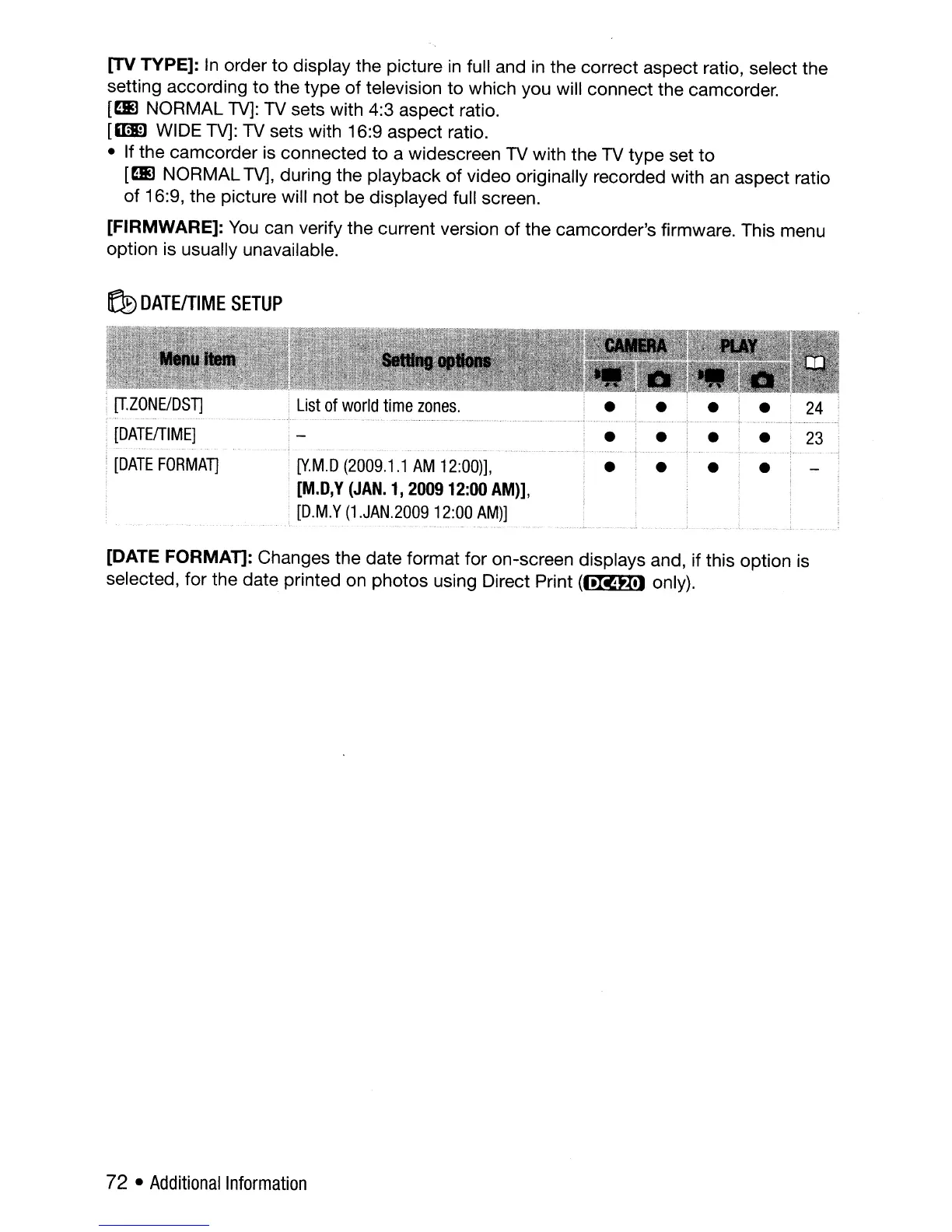
[IZONEIDSn
[DATEfTIME]
[DATE
FORMAT]
[V.M.D
(2009.1.1
AM
12:00)],
[M.D,Y
(JAN.
1,
200912:00
AM)],
,
[D.M.Y
(1.JAN.2009
12:00
AM)]
•
•
•
•
•
•
•
• j -
j
[DATE FORMAT]: Changes the date format for on-screen displays and, if this option is
selected, for the date printed on photos using Direct Print
(1.Rfll) only).
72 •
Additional
Information



 To Next Page