261
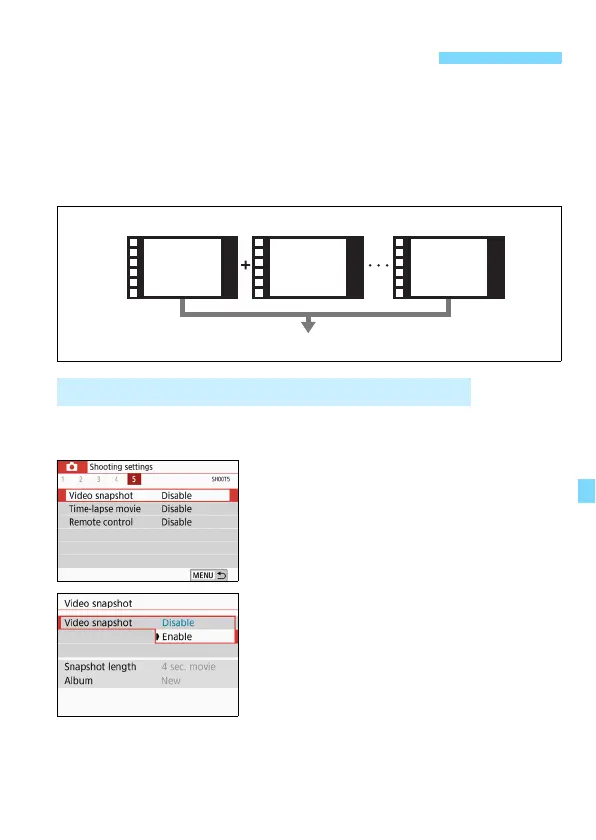
You can shoot a series of short movie clips lasting approx. 2 sec.,
4 sec., or 8 sec. called video snapshots. The video snapshots can be
joined together into a single movie called a video snapshot album. You
can thereby show short and quick highlights of a trip or event.
A video snapshot album can also be played back together with
background music (p.268, 332).
1
Set the Mode Dial to a mode other
than <8> or <v>.
2
Select [Video snapshot].
Under the [z5] tab (the [z3] tab in
Basic Zone modes), select [Video
snapshot] and press <0>.
3
Select [Enable].
3 Shooting Video Snapshots
Setting the Video Snapshot Shooting Duration
Video Snapshot Album Concept
Video snapshot album
Video
snapshot 1
Video
snapshot 2
Video
snapshot **



 To Next Page