97
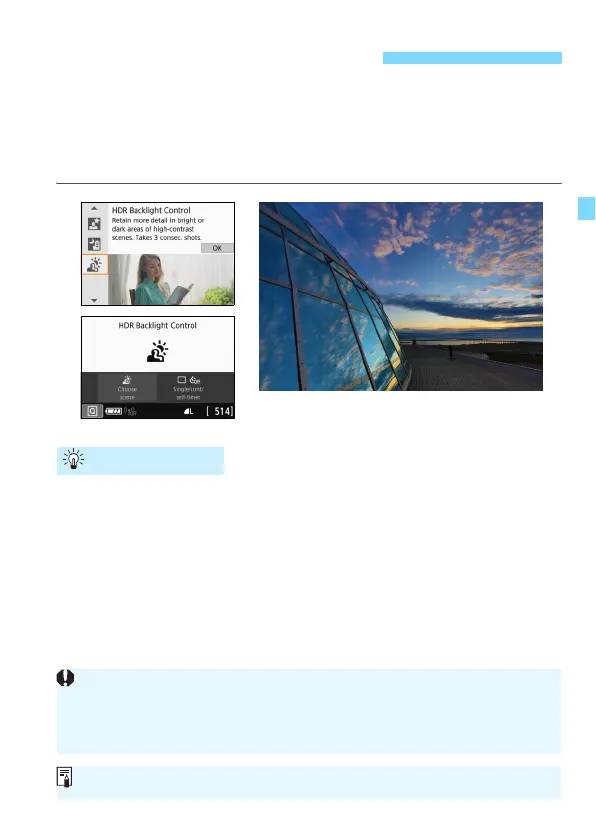
When shooting a scene having both the bright and dark areas, use the
<G> (HDR Backlight Control) mode. When you take one picture in this
mode, three consecutive shots are taken at different exposures. This
results in one image, with a wide tonal range, that has minimized the
clipped shadows caused by backlighting.
Hold the camera firmly.
During shooting, hold the camera firmly and steadily. In this mode,
three shots are aligned and merged into a single image. However, if
there is significant misalignment in any of the three shots due to
camera shake, they may not align properly in the final image.
G Shooting Backlit Scenes
Shooting Tips
Compared to other shooting modes, the shooting range will be smaller.
Flash photography is not possible. In low light, the AF-assist beam may
be emitted (p.117).
See the cautions on page 99.
HDR stands for High Dynamic Range.



 To Next Page