85
The camera will automatically choose the appropriate settings when
you select a shooting mode for your subject or scene.
*<8> stands for Special Scene.
1
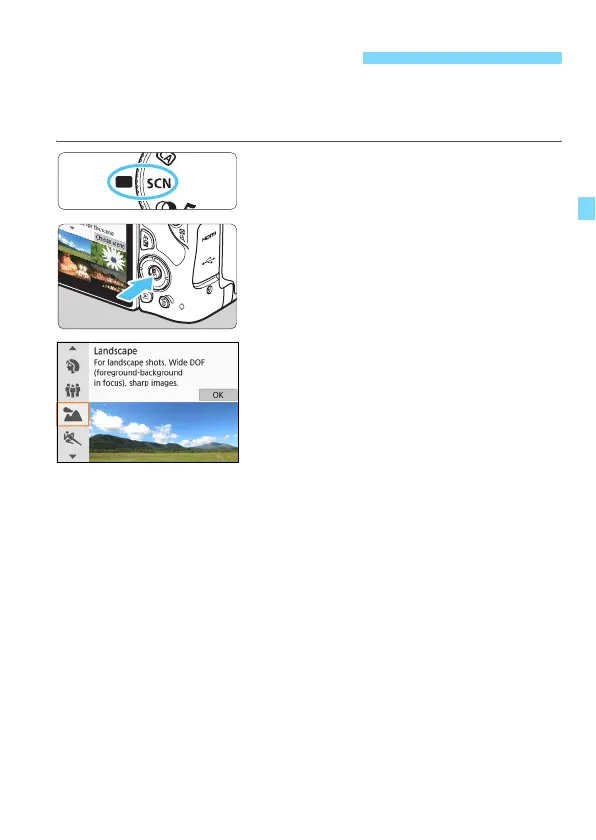
Set the Mode Dial to <8>.
2
Press the <Q> button.
3
Select a shooting mode.
Press the <W> <X> keys to select
the desired shooting mode, then
press <0>.
You can also select by turning the
<6> dial.
8: Special Scene Mode



 To Next Page