EasyManua.ls Logo

Canon EOS 33 - Page 7

Canon EOS 33
108 pages
Print Icon
To Next Page IconTo Next Page
To Previous Page IconTo Previous Page
Loading...
Handling
Cautions
LCD
Displays
In
time,
the
camera's
LCD
panel
display
and
the
LCD
display
in
the
viewfinder
may
fade
and
become
difficult
to
read.
If
this
happens,
have
it
replaced
(at
cost)
by
a
Canon
Service
Center.
At
low
temperatures,
the
LCD
display
response
may
become
slower.
And
at
60'C
or
higher
temperatures,
the
display
may
blacken.
In
either
case,
the
display
will
return
to
normal
at
room
temperalure.
Lithium
Batteries
(1)
The
camera
operates
on
two
CR123A
lithium
batteries.
Check
the
battery
level
in
the
following
cases
(-»page
18):
After
replacing
the
batteries.
After
not
using
the
camera
for
an
extended
period.
The
shutter
stops
working.
The
camera
is
being
used
in
a
low-temperature
environment.
You
will
be
shooting
an
important
event.
(2)
Before
installing
the
batteries,
wipe
the
battery
contacts
to
remove
any
fingerprints
and
smudges.
This
is
to
prevent
faulty
connections
and
corrosion.
(3)
Never
disassemble
or
recharge
the
batteries.
Also,
never
store
a
battery
in
high-temperature
places
or
short
circuit
the
battery
contacts
or
toss
a
battery
into
a
tire.
(4)
Although
the
batteries
work
well
even
at
low
temperatures,
battery
performance
may
decline
slightly
at
freezing
temperatures.
In
such
a
case,
keep
spare
batteries
warm
In
a
pocket,
etc.,
and
use
and
warm
the
batteries
alternately.
How
Low
Battery
Levels
Affect
Camera
Operation
On
the
LCD
panel,
if
the
<
0
>
icon
blinks
or
it
is
not
displayed,
a
proper
exposure
can
still
be
obtained
as
long
as
the
shutter
releases.
However,
when
the
battery
level
is
low,
film
advance
and
auto
rewind
might
stop
midway
or
not
work
at
all
and
<
Q
>
may
blink
on
the
LCD
panel.
After
the
batteries
are
replaced
with
new
ones,
film
advance
will
be
possible
and
film
rewind
can
resume
by
pressing
the
<
Q
22
>
button.
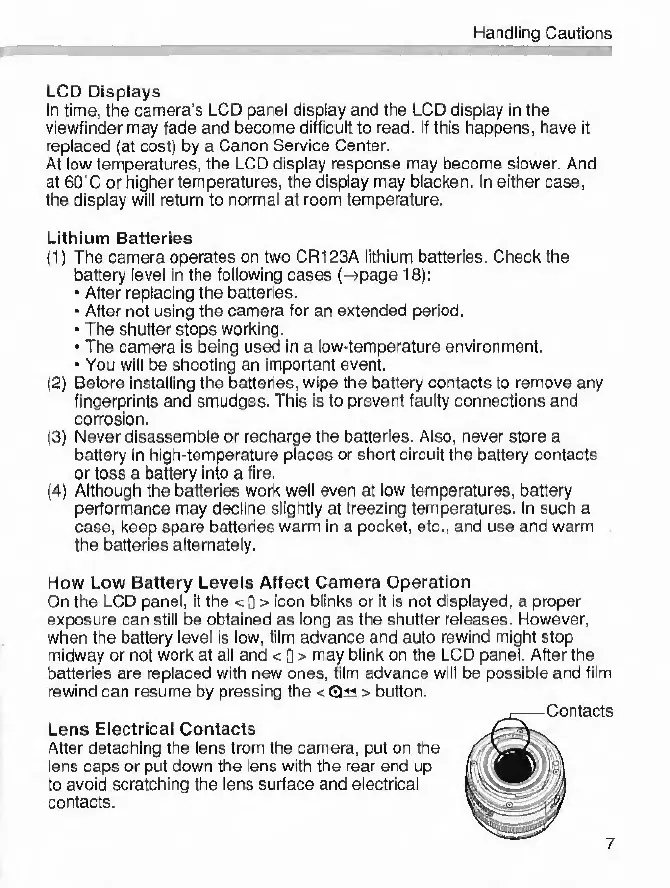
Lens
Electrical
Contacts
After
detaching
the
lens
from
the
camera,
put
on
the
lens
caps
or
put
down
the
lens
with
the
rear
end
up
to
avoid
scratching
the
lens
surface
and
electrical
contacts.
7

Other manuals for Canon EOS 33

Related product manuals