45
Recording Video and Photos
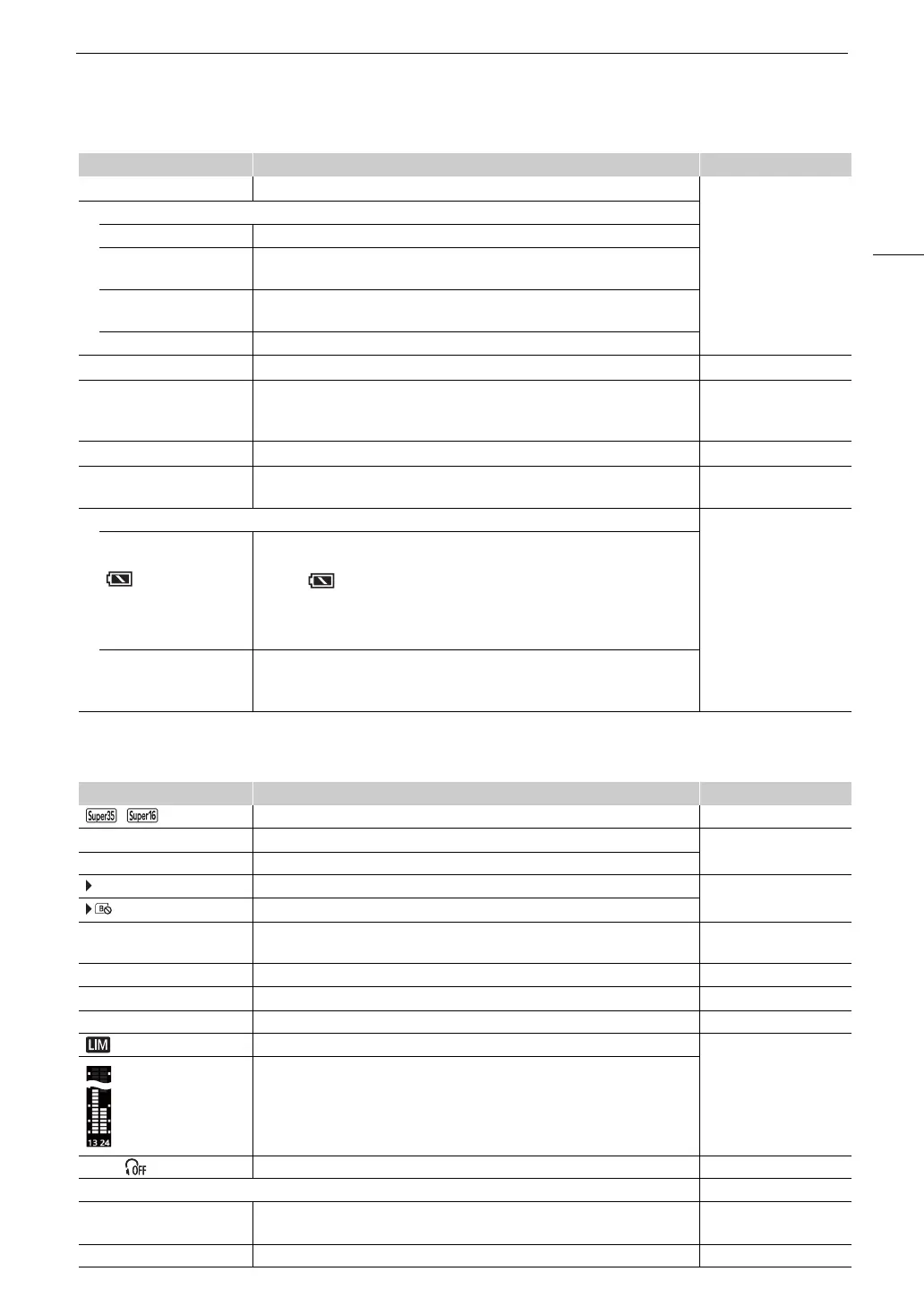
Right side of the screen
4
Double slot recording (A 35). 2: [Recording Mode]
Recording operation
STBY, ÜREC Clip recording: record standby, recording.
S&F STBY,
S&F
ÜREC
Slow & fast motion recording (A 100): record standby, recording.
PRE STBY,
PRE
ÜREC
Pre-recording (A 101): record standby, recording.
CONT, ÜCONT Continuous recording (A 102)
`
Recording command (A 129). 2: [Rec Command]
00.00P, 00.00i Frame rate (A 53).
When slow & fast motion recording is activated, the shooting frame rate is also
displayed (000/00.00P).
2: [Frame Rate]
C
Key lock (A 15). 1: [Key Lock]
00:00:00.00 / 00:00:00:00
R, P, F, E
Time code (A 83).
Time code status (A 84).
2: [Time Code]
Power supply level indicator 2: [Remaining Battery]
è
é
ê
ë
(in red)
000 min
Remaining battery charge of a BP-A30 or BP-A60 Battery Pack and estimated
remaining usage time (in minutes).
• When is displayed, replace the battery pack with a fully charged one.
• Depending on the conditions of use, the actual battery charge level may not be
indicated accurately or may not match the levels shown on the [B System
Setup] status screen or the indicators on the battery pack.
DC IN 00.0V Power supply voltage when using an AC adapter.
• When the voltage falls below the selected low-power warning level (A 172),
the voltage will be displayed in red.
Icon/Display Description Custom Display
, Sensor mode (A 53). 2: [Sensor Mode]
0000x0000 Resolution (A 53). 2: [Resolution/
Color Sampling]
YCC000 00 bit Color depth, color sampling (A 53).
7 (in green) Photo recorded on the SD card (A 42). 2: [Photo]
(in red) No SD card or cannot record photos on the SD card.
60(24)fps,
60(30)fps
Video output (A 105). 2: [Output Terminals
Status]
T
(in red) Output onscreen displays (A 129 ). 2: [OSD Output]
^ (in yellow) Magnification (A 71). 1: [Magnification]
J, K (in yellow) Peaking (A 71). 1: [Peaking]
Audio limiter (A 91). 2: [Audio Level Indicator]
Audio level meter (A 90).
×
00, Headphone volume (A 122). –
Date/time 2: [Date/Time]
CH0/CH0,
CH0+CH0/CH0+CH0
Audio output channels (A 133). 2: [Monitor Channels]
1/0000.00, 000.00°, 000.00Hz Shutter speed (A 57). 1: [Shutter]
Icon/Display Description Custom Display



 To Next Page