9
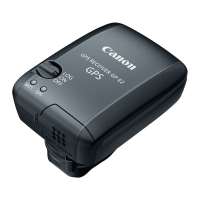
To acquire GPS signals, bring your camera with the receiver attached
outdoors where the sky is unobstructed and aim it up. Keep your hand
or other objects off the top of the receiver.
1
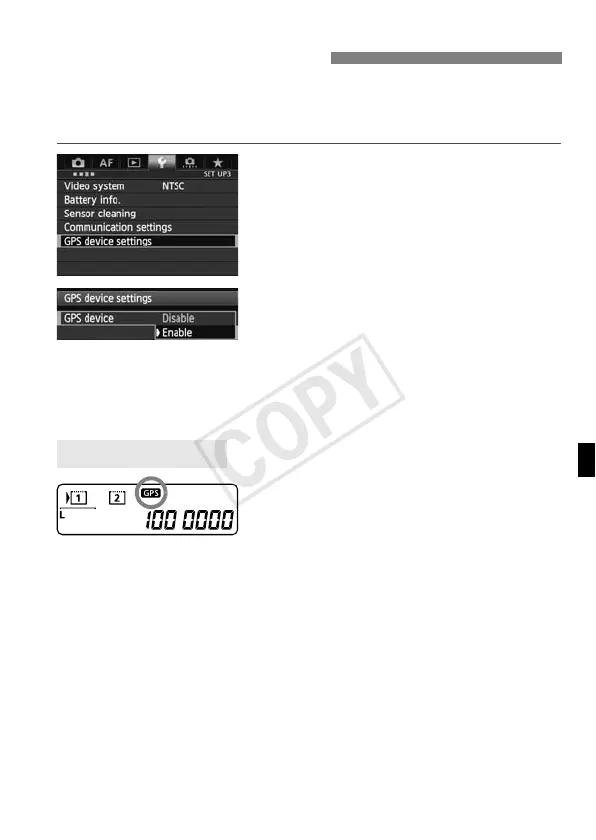
Select [GPS device settings].
2
Set [GPS device] to [Enable].
If the [Calibrate digital compass]
screen is displayed, follow steps 6 – 7
on p.16.
3
Close the menu.
Press the <M> button.
GPS signal status is indicated by the
<r> icon on the camera’s rear LCD
panel.
Status details can be checked as
described in “Viewing GPS Information”
on the next page.
Blinking <r>: Signal not
acquired yet
Constant <r>: Signal acquired
Images are geotagged when you shoot.
Acquiring GPS Signals
Acquisition Status



 To Next Page