16
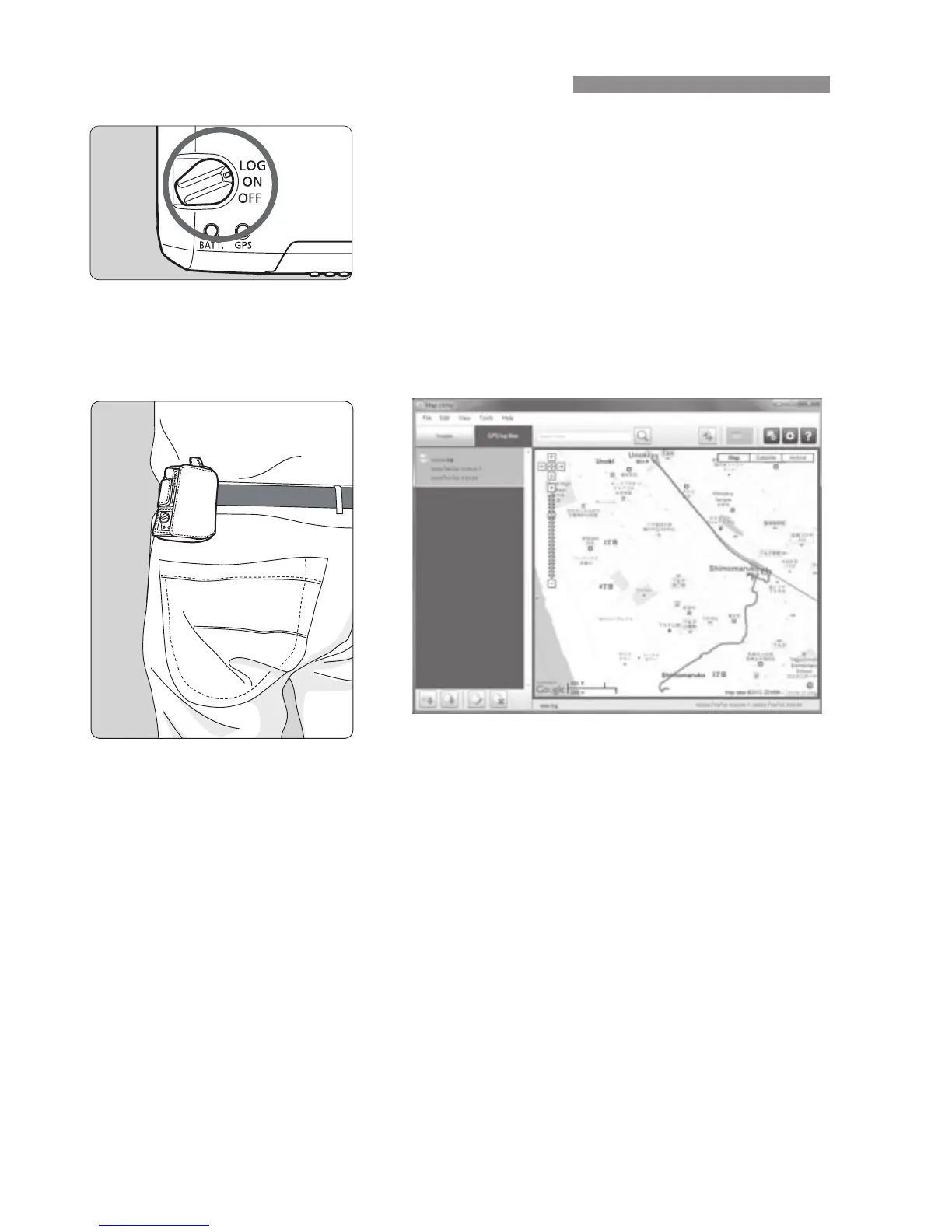
Setting the power switch to <
LOG
> will
automatically record location information
along the route traveled on the receiver
itself. (There is no need to connect the
receiver to the camera.)
The recorded location information can be
viewed on a virtual map. Logs can also
be used to geotag images at a later time
(p.25).
When the receiver is attached or connected to a camera that displays
the [GPS device settings] menu item, the receiver will geotag images
as you shoot, and periodically log location information. Images can also
be tagged with the shooting direction.
* EOS 7D does not support tagging of the shooting direction.
Logging the Route Traveled
Map data ©2012 ZENRIN -


 To Next Page