5
Storage and Carrying Cases
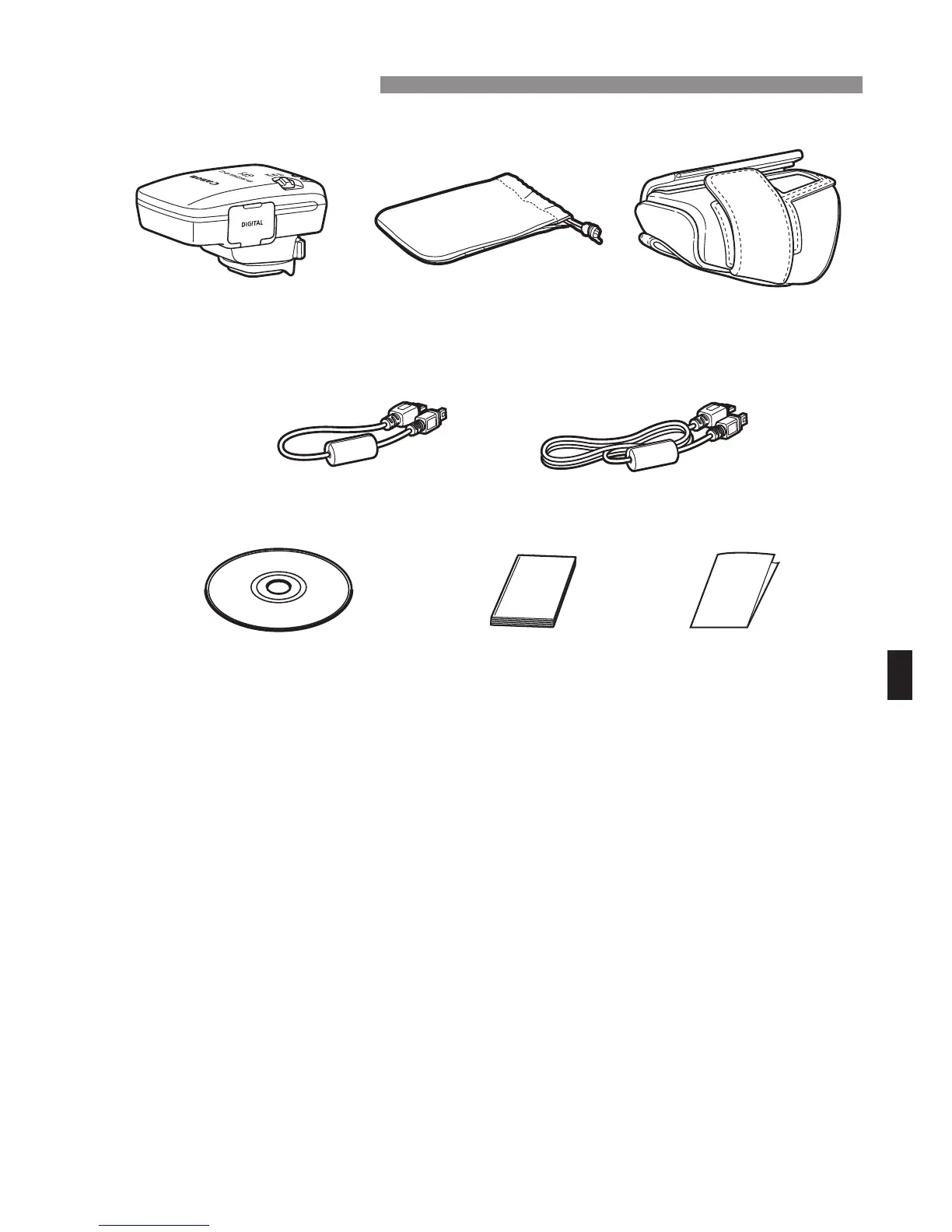
Before using the storage case, insert the receiver in the carrying case to
prevent scratches. The storage case also accommodates the
connecting cables.
Connecting Cables
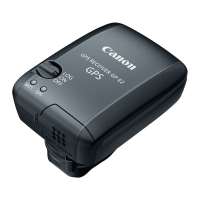
Use the 25 cm / 9.8 in. or 1.5 m / 4.9 ft. connecting cable if your EOS
camera displays [GPS device settings] in the menu.
Use the 25 cm / 9.8 in. cable to connect the receiver to the EOS 7D.
Also use this cable when attaching the receiver to the optional
Accessory Bracket AB-E1 (p.28).
Use the 1.5 m / 4.9 ft. cable when connecting the receiver to your
camera while it is in the provided carrying case.
Item Checklist
GP-E2 Storage case
Approx. 25 cm / 9.8 in.
GPS Receiver Solution Disk
(Software and instruction
manuals)
Carrying case
Connec ing cables
Approx. 1.5 m / 4.9 ft.
Instruction Manual
(this guide)
Regulation
leaflet


 To Next Page