18
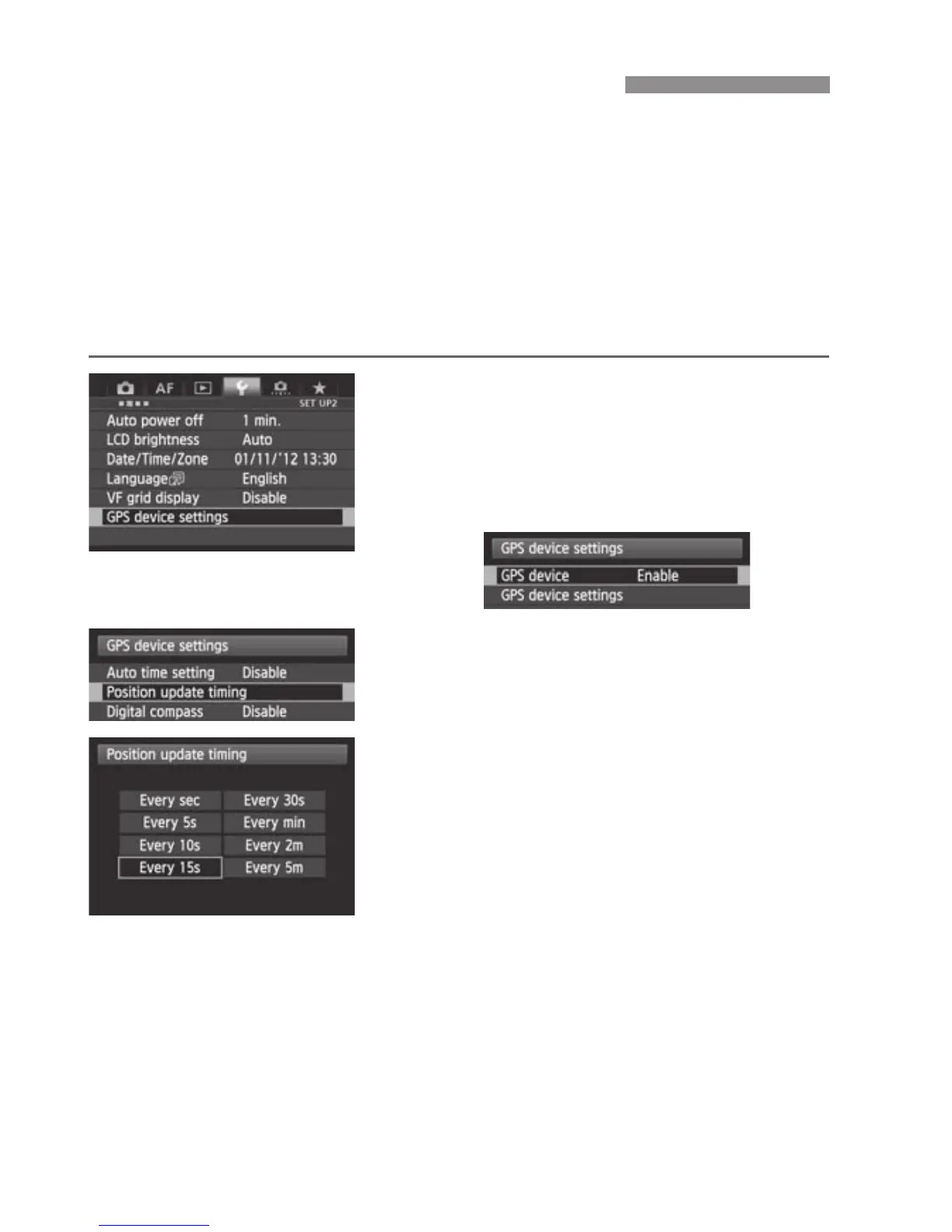
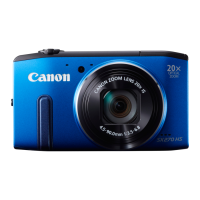
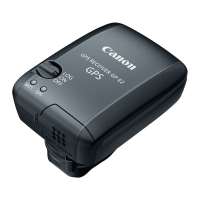
You can specify the positioning interval when the receiver is attached or
connected to a camera that displays the [GPS device settings] menu
item. Shorter positioning intervals yield more accurate location
information for your images. However, this also consumes more battery
power.
On cameras without this menu item, the positioning intervals is every 15
seconds by default and can be changed using the provided software
Map Utility.
1
Select [GPS device settings].
On the EOS-1D X and other models
that display the following screen, set
[GPS device] to [Enable], and then
select [GPS device settings].
2
Select [Position update timing].
3
Select the time.
Setting the Positioning Interval


 To Next Page