11
Preface
1
Installing the Machine
2
Configuring and Connecting the Fax
3
Connecting to a Computer and
Installing the Drivers
4
Appendix
3.
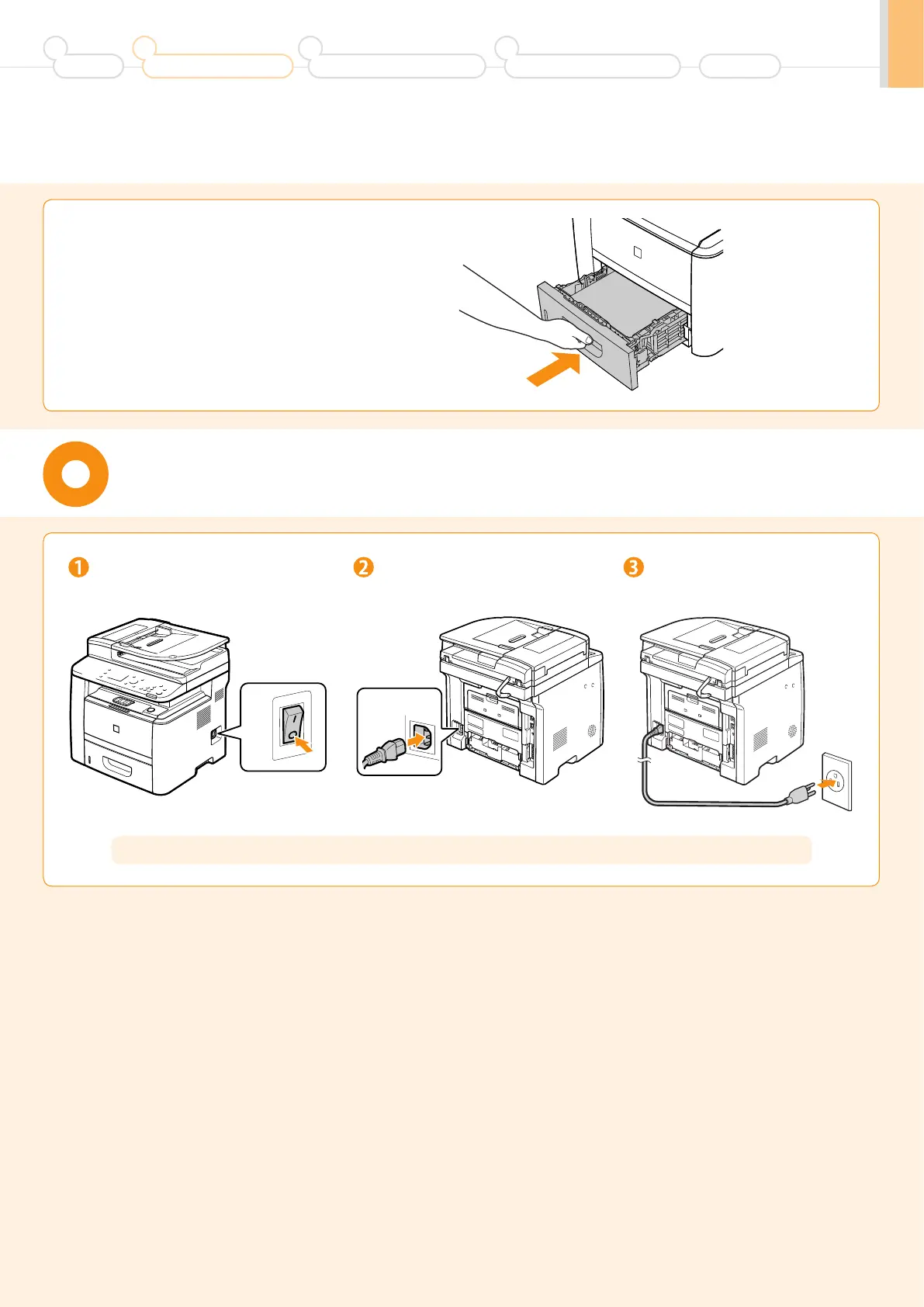
Set the paper drawer.
Connecting the Power Cord
Do not connect the USB cable. Connect the USB cable when installing the software.
Make sure that the machine is
switched OFF.
Plug the power plug into the
power socket.
Plug the power plug into an
AC power outlet.
OFF
ON












 To Next Page