13
• For D1370/D1350 • For D1320
Next, perform the setup to use the fax function. Next, select the connection method to a computer.
Specifying Initial Fax Settings and
Connecting a Telephone Cable
P.14
Selecting the method for
connecting to the machine
P.18
Preface
1
Installing the Machine
2
Configuring and Connecting the Fax
3
Connecting to a Computer and
Installing the Drivers
4
Appendix
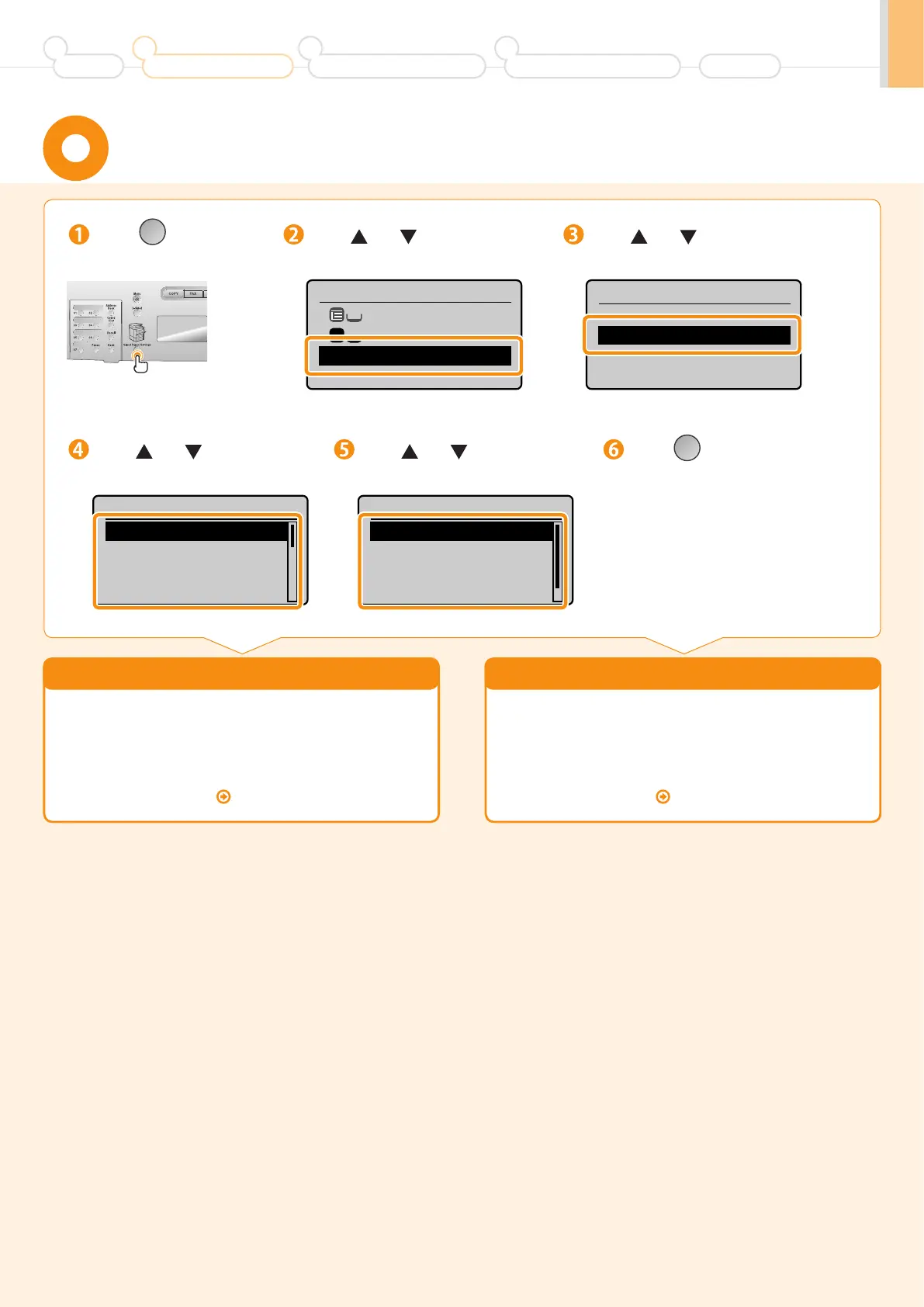
Press [ ]
(Select Paper/Settings).
Press [ ] or [ ] to select, and
press [OK].
Press [ ] or [ ] to select, and
press [OK].
Press [ ] or [ ] to select, and
press [OK].
Press [ ] (Select Paper/Settings)
to close <Select Paper> screen.
Press [ ] or [ ] to select, and
press [OK].
Select Paper
MP Tray
LTR:Plain
Paper Settings
1
Paper Settings
Multi-Purpose Tray
Drawer 1
Paper Size
LTR
LGL
EXEC
FOOLSCAP
Paper Type
Plain (16 lb Bond-24
Plain L (16 lb Bond
...
Recycled
Color
Setting a Paper Size and Type












 To Next Page