18
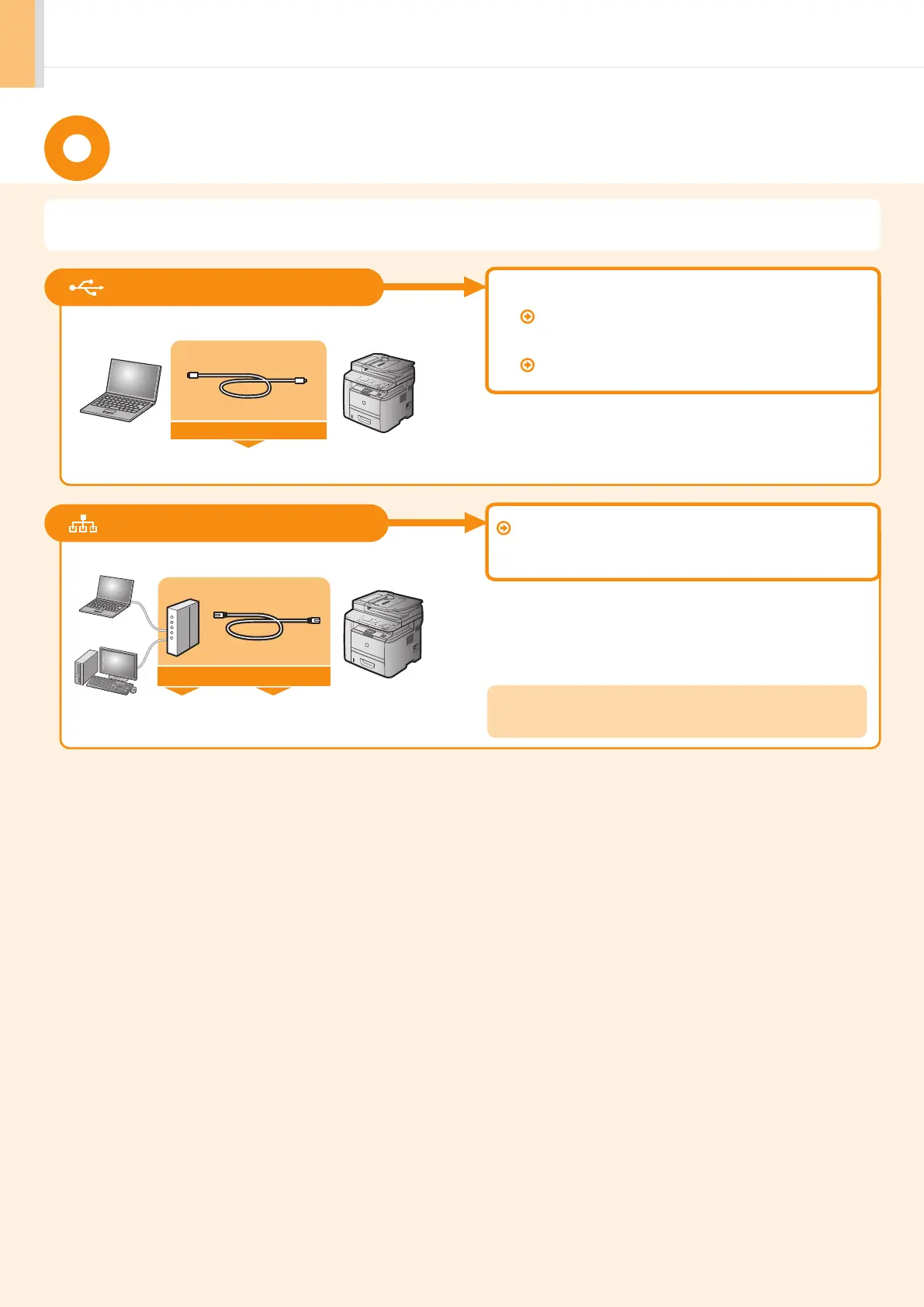
Select from the following three methods, depending on your environment and devices.
Connecting to LAN P.19
Connecting via a LAN Cable
Connect them using a LAN cable.
You need this
Router
or
hub
LAN cable
• Windows
Installing the USB connection P.22
• Macintosh
Installing the software P.25
Connecting via a USB Cable
Connect them using a USB cable.
USB cable
You need this
Use the same procedure for both Window and Macintosh.
* Check to make sure that there is a free port for connecting the machine or the
computer you use to the router or hub.
* Use a Category 5 or higher twisted pair cable for the LAN.
Selecting the method for connecting to the machine












 To Next Page