2-16
2
Installing the Canon Advanced Printing Technology
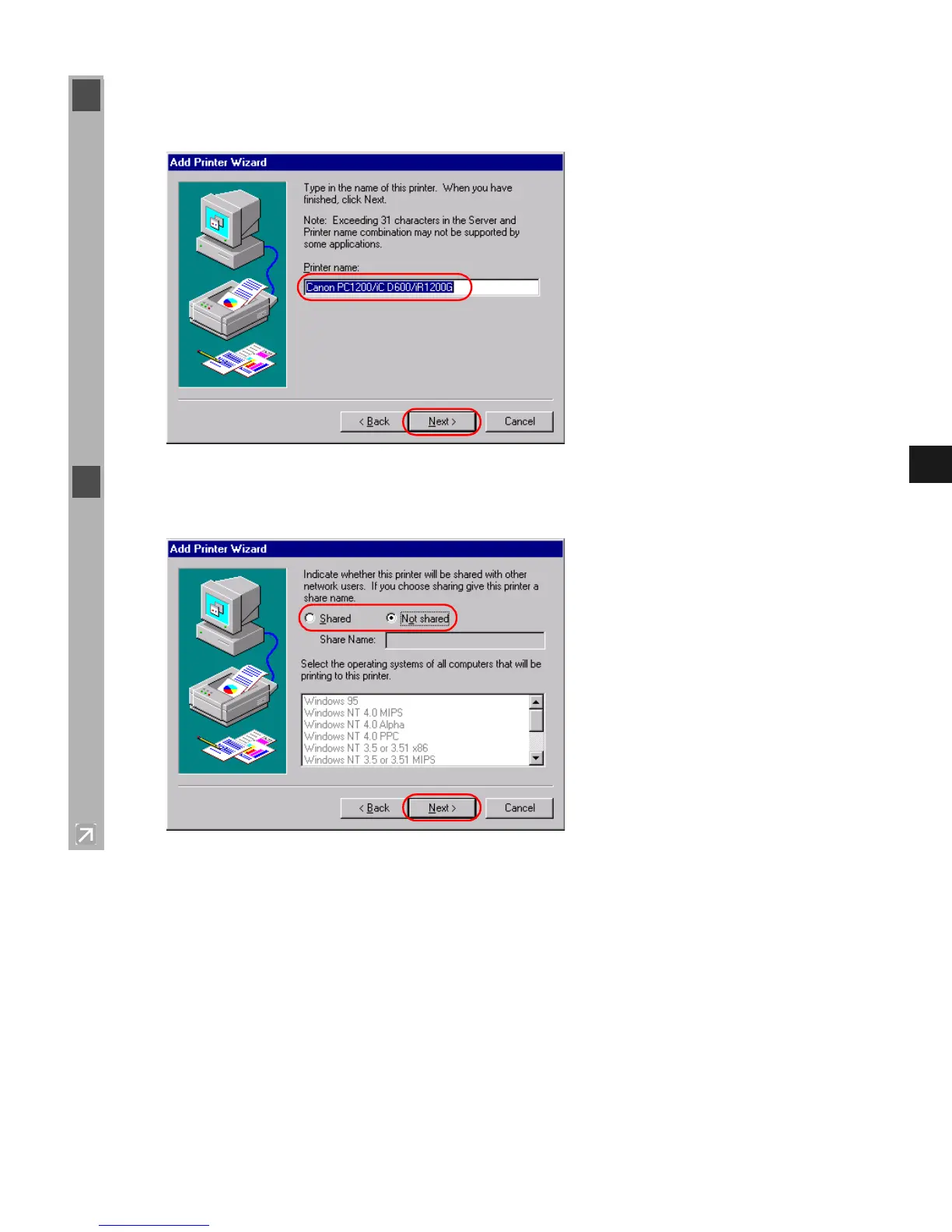
9 Click Next > to accept the default printer name, or enter the name you wish to use, then click
Next >.
10 Select whether this printer is shared or not shared with other computers. If it is shared, select
all the operating systems that will use this printer. Click Next >.














 To Next Page