4-5
4
Checking the Status of a Print Job
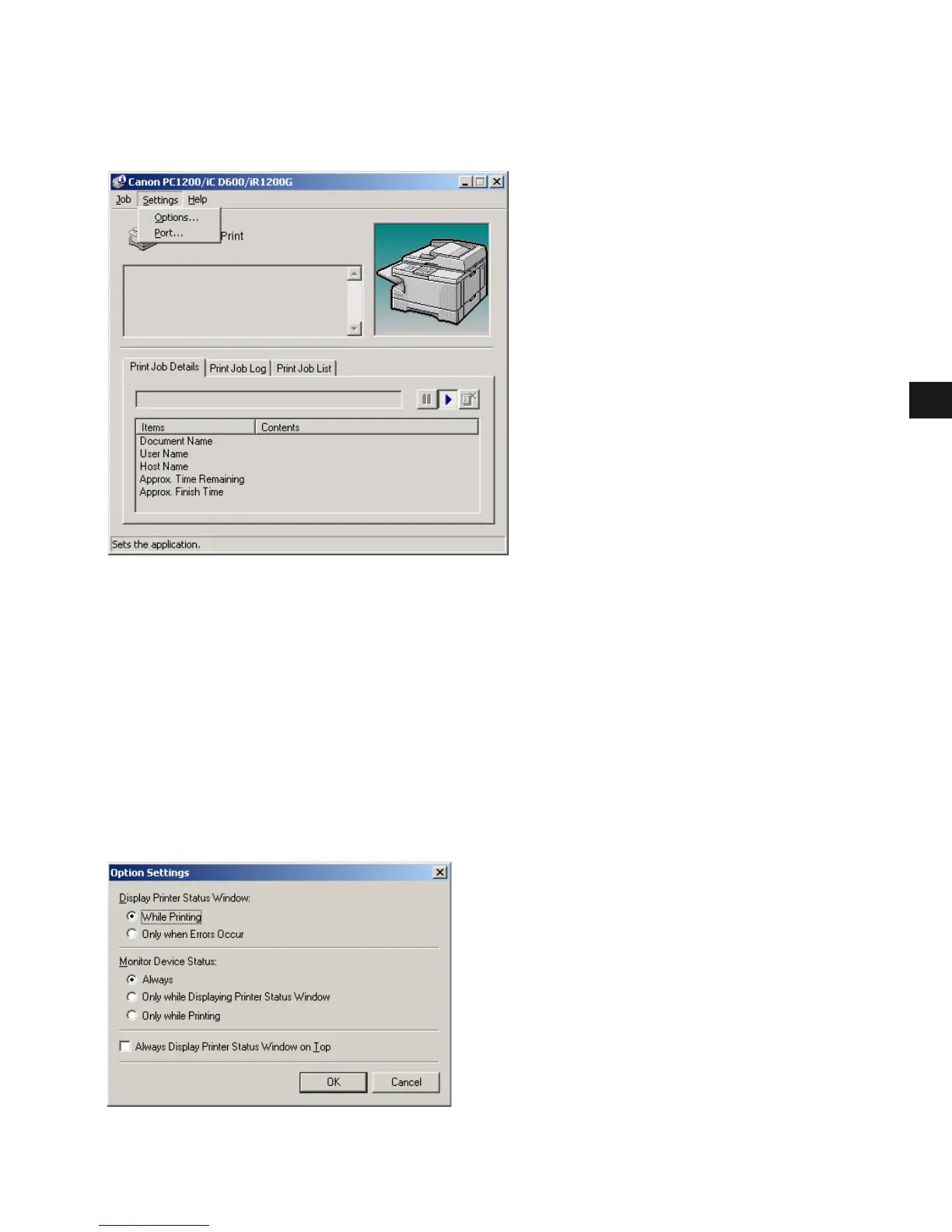
Settings Menu
You can select the Settings menu from the menu bar of the Canon PC1200/iC D600/
iR1200G Status Window:
The Settings menu includes the following selections:
• Options... opens the Option Settings dialog box that lets you change the settings for the
Status Window.
• Port... opens the Port Setting dialog box when the printer is connected to a local parallel
port. This setting is unavailable if the printer is not connected to a local parallel port, or
while printing is in progress.
Option Settings
This dialog box lets you define when and how you want the Canon PC1200/iC D600/
iR1200G Status Window to display.














 To Next Page