2-37
2
Installing the Canon Advanced Printing Technology
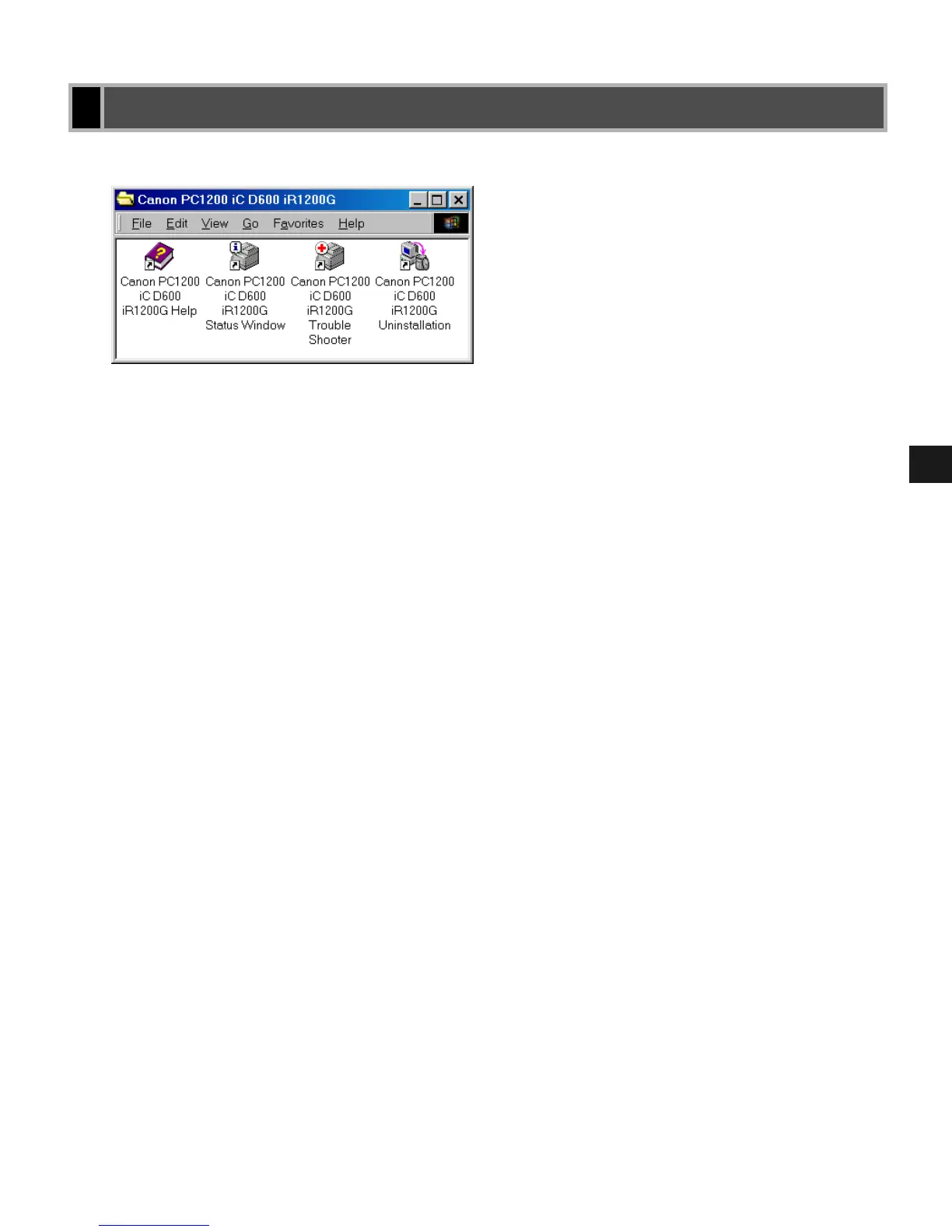
After installation is complete, the CAPT program group is created.
You can select the following from the PC1200 iC D600 iR1200G group:
• Canon PC1200 iC D600 iR1200G Help
Selects the Canon PC1200/iC D600/iR1200G Help file for the CAPT.
• Canon PC1200 iC D600 iR1200G Status Window
Displays the PC1200/iC D600/iR1200G Status Window.
• Canon PC1200 iC D600 iR1200G Trouble Shooter
Starts the Trouble Shooter program for the CAPT. It helps you solve printing problems in
Windows 95/98/Me or NT 4.0/2000/XP. (
Chapter 4, Troubleshooting.)
• Canon PC1200 iC D600 iR1200G Uninstallation
Starts the uninstall program for the CAPT. If the CAPT is not working properly, it might
help to uninstall and then install it again. (
Chapter 4, Troubleshooting.)
“Canon PC1200 iC D600 iR1200G” Group
“Canon PC1200 iC D600 iR1200G” Group“Canon PC1200 iC D600 iR1200G” Group
“Canon PC1200 iC D600 iR1200G” Group














 To Next Page