2-22
2
Installing the Canon Advanced Printing Technology
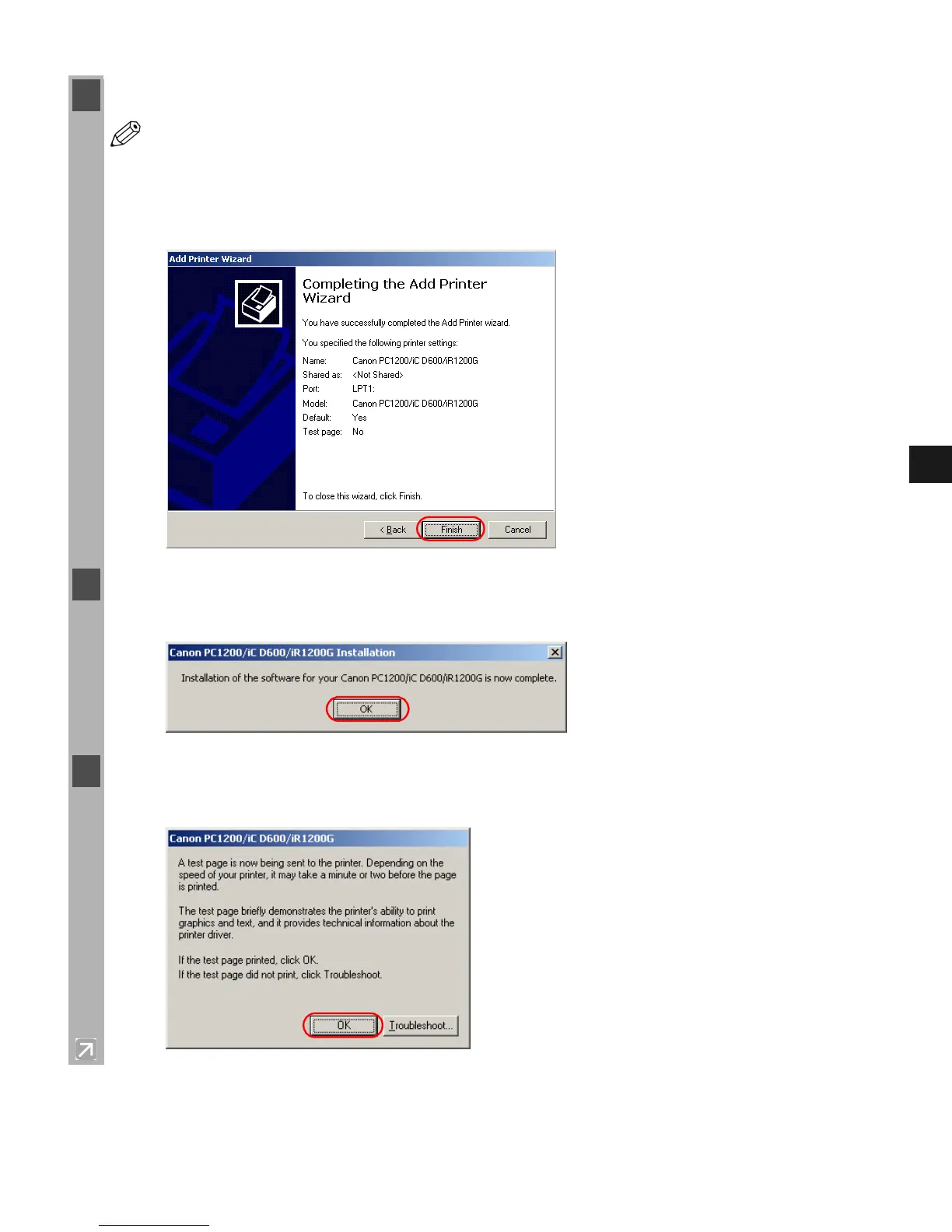
12 Click Finish.
NOTE
•Click Ye s if the Digital Signature Not Found dialog box appears.
Windows creates the Canon PC1200 iC D600 iR1200G icon on the Desktop, and the
Canon PC1200/iC D600/iR1200G icon is added to the Printers folder.
13 When the installation is complete, the following dialog box appears. Click OK to close the
dialog.
14 If you opted to print a test page, the test page prints after the installation completes, and the
following dialog appears. If the test page printed correctly, click OK.














 To Next Page