2-33
2
Installing the Canon Advanced Printing Technology
■ Windows NT 4.0/2000/XP Server Settings
Windows NT 4.0/2000/XP Server SettingsWindows NT 4.0/2000/XP Server Settings
Windows NT 4.0/2000/XP Server Settings
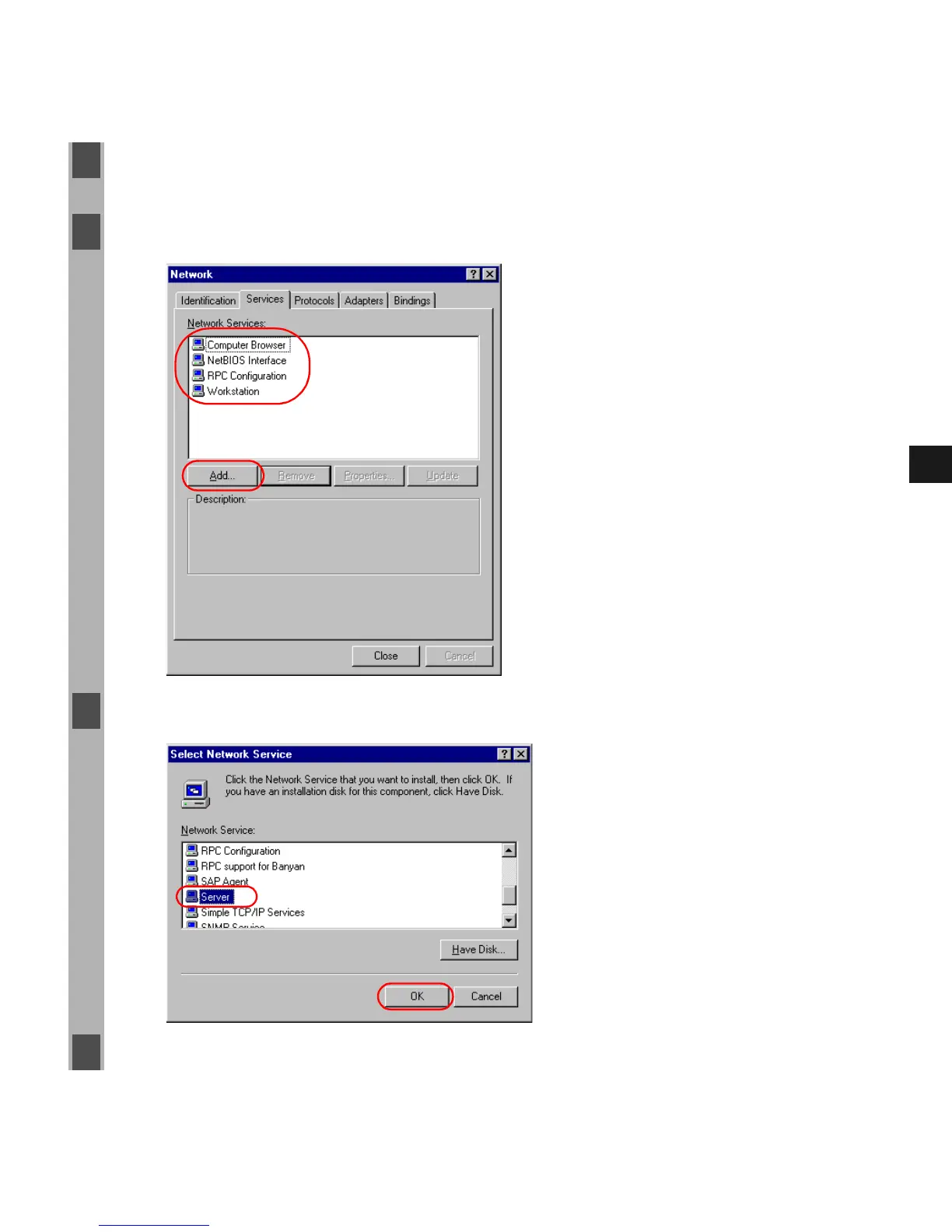
Add Server Service (Windows NT 4.0)
1 Double-click the Network icon from the Control Panel.
2 Select the Services tab, and if the Server is not shown, click Add.
3 Select the Server, and click OK.
4 Restart Windows.














 To Next Page