3-11
3
Printer Properties
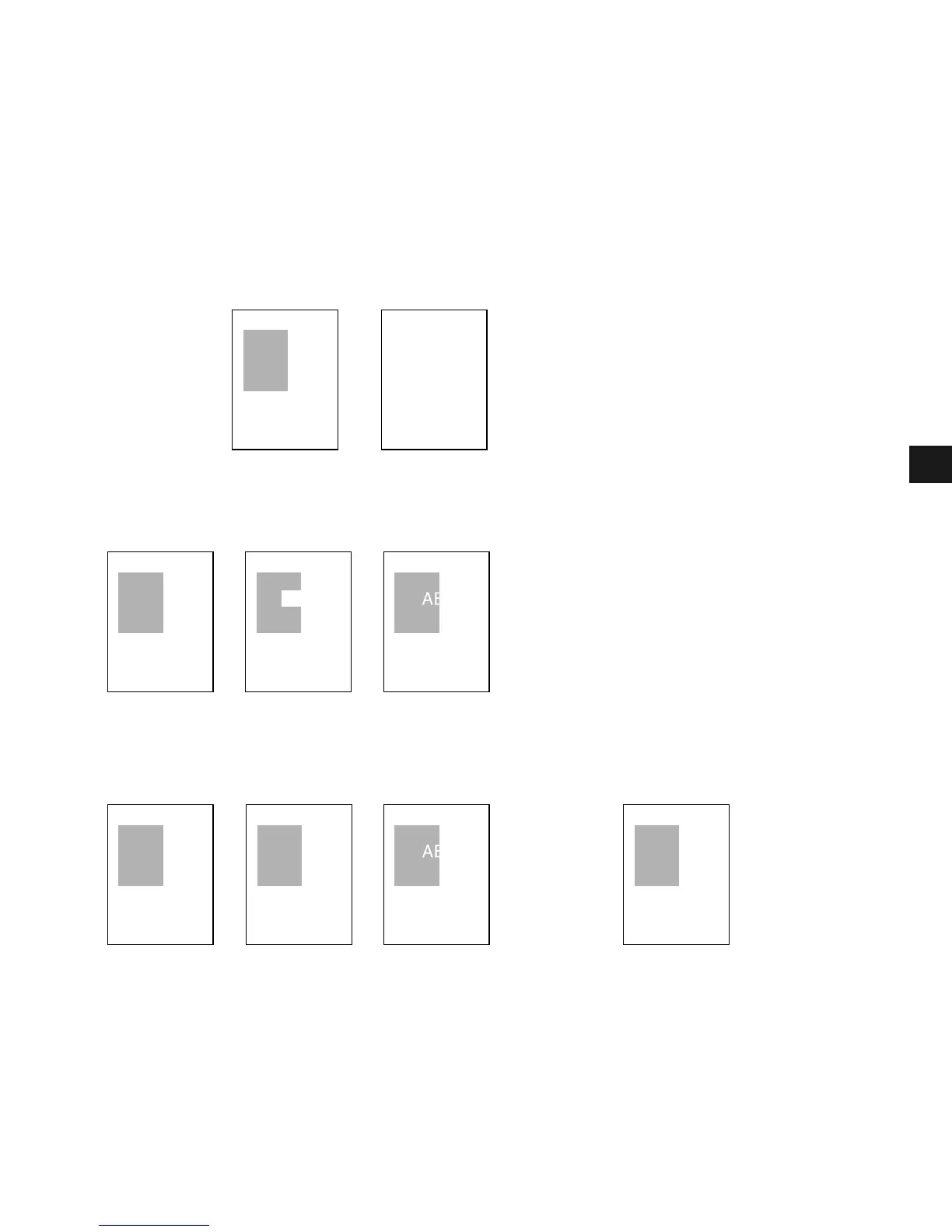
Overlay Placement
Print results may differ depending on the placement of the overlay and application print data
(Background/Foreground). When the overlay and application print data overlap, print result
may differ depending on the overlay file format and the application being used. Settings for
overlay printing of your machine allow you to place overlay form in the foreground (in front)
or in the background (in back) of the application print data.
ABC
ABC
ABC
ABC
ABCABC
ABC ABC
Original data
Overlay Application
[Overlay Placement: Background]
The result will appear as one of the shown below.
[Overlay Placement: Foreground]
The result will appear as one of the shown below.
Using Windows Metafile
Using Windows BMP
The result will always be as shown below.














 To Next Page