3-18
3
Printer Properties
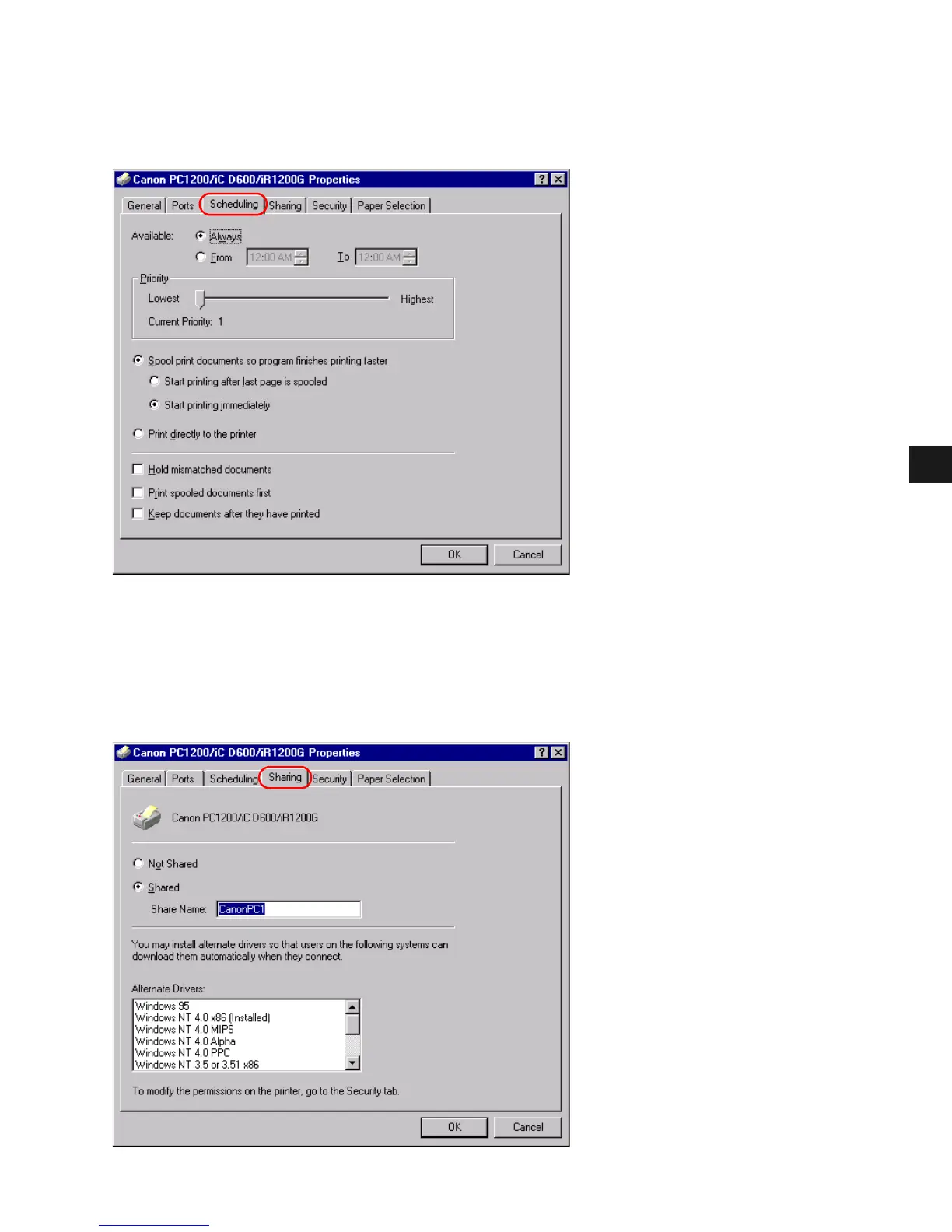
■ Scheduling Tab
Scheduling TabScheduling Tab
Scheduling Tab
Lets you define print spooling settings. Refer to your Windows operating system
documentation for more information.
“Spool print documents so program finishes printing faster” and “Start printing
immediately” are set automatically when you install the printer driver.
■
Sharing Tab
Sharing TabSharing Tab
Sharing Tab
Specifies the printer-sharing settings. Refer to your Windows operating system documentation
for more information.














 To Next Page