3-25
3
Printer Properties
■ Finishing Tab
Finishing TabFinishing Tab
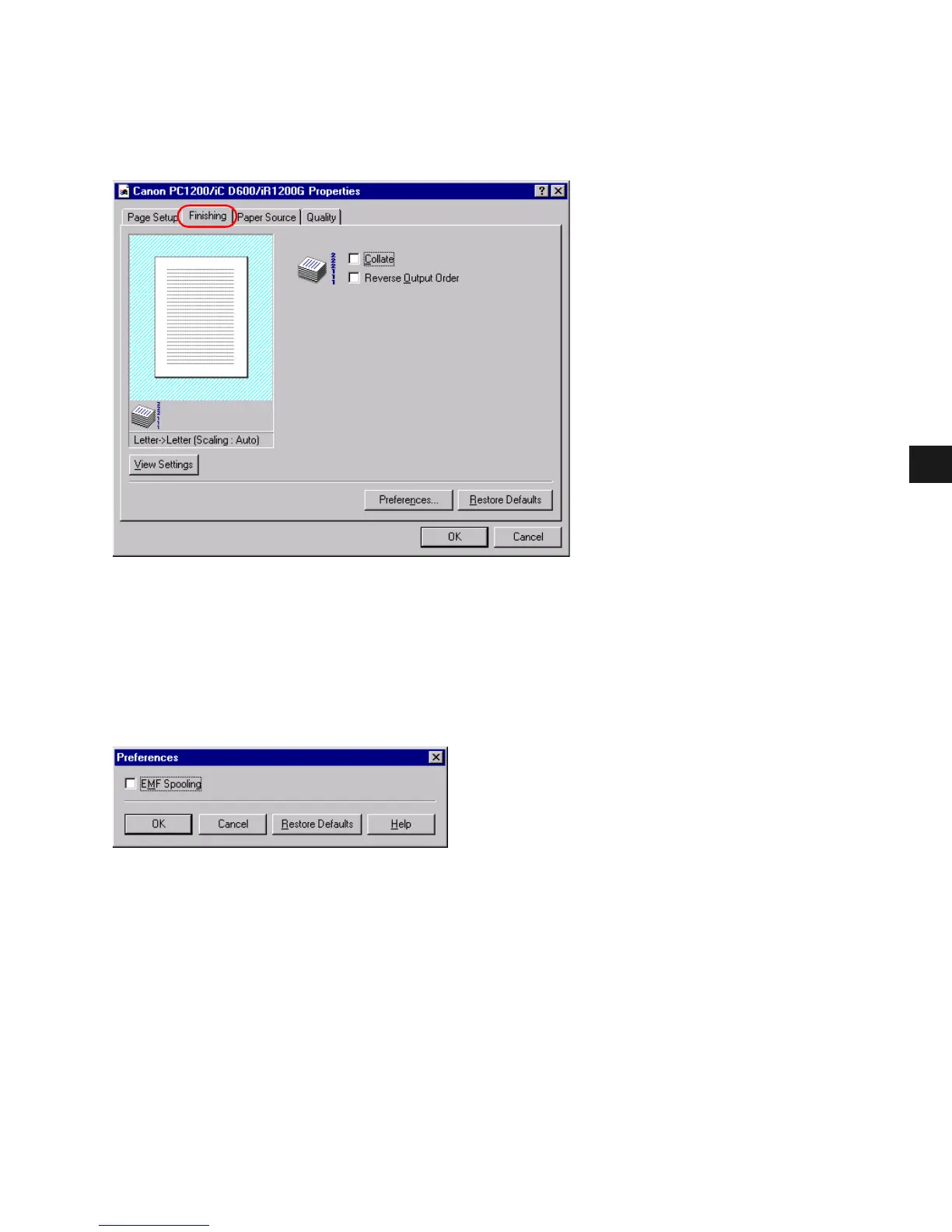
Finishing Tab
Specifies how final output is collated and sets printing pages in reverse output order. Check
the check boxes to collate the document or print it in reverse output order.
Preferences
Preferences... on the Finishing tab window opens the Preferences dialog box. The check box
lets you turn EMF Spooling on. If this is not checked, EMF Spooling will be off. This setting
is unchecked by default.














 To Next Page