5-9
5
Troubleshooting
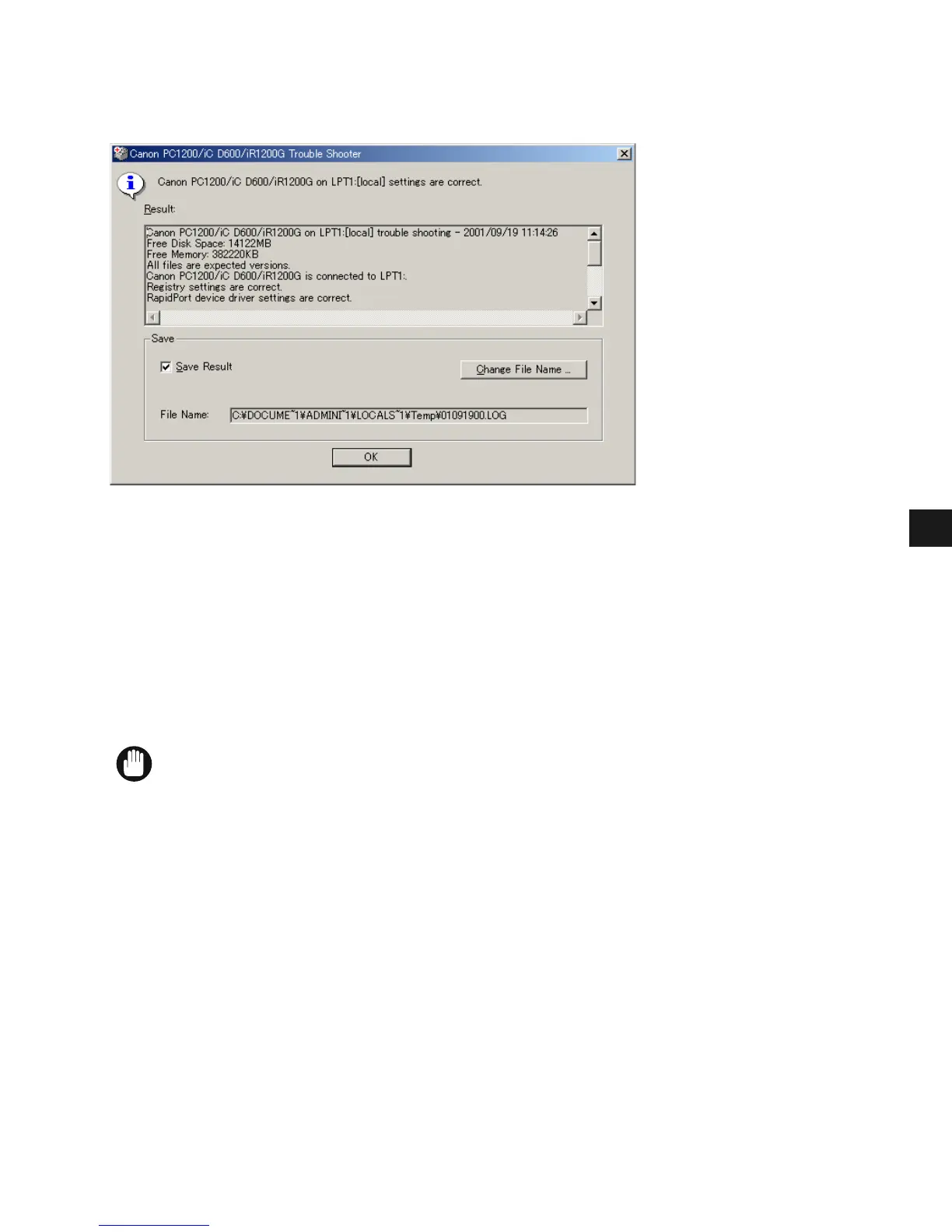
When Trouble Shooter is done checking your files, it displays a dialog box similar to the one
below.
While Trouble Shooter is running, it saves a log file with the name tshooter.tmp in your
system temp directory, such as \windows\temp or \temp.
In the Exit dialog box, Trouble Shooter prompts if you want to save the results as a text file.
Check the Save Result check box and enter the desired filename. The file saves with the
extension of .log.
When you click OK in the above dialog box, the Windows Restart dialog box appears. You
must restart Windows for corrections made by the Trouble Shooter to take effect.
IMPORTANT
• To run Trouble Shooter for the Canon PC1200/iC D600/iR1200G on the network,
both the server and the client must run on the same operating system.














 To Next Page