17
3 Enter a name → press [OK].
NOTE
When you register the new custom paper type, make sure to change its name. You cannot change the settings of
the default paper types registered in the machine.
Registering Custom Paper Types from the Paper Database
You can register a custom paper type by duplicating the paper type from the Paper Database screen.
This section describes how to select the paper type by entering a specific paper number that can be obtained from
the Specialty Media Handling Guide.
IMPORTANT
If you try to register a paper type with the same name as a paper type that is already registered, a message
appears, and you cannot register the paper.
1
Press
(Additional Functions) →
[System Settings] →
[Paper Type Management
Settings].
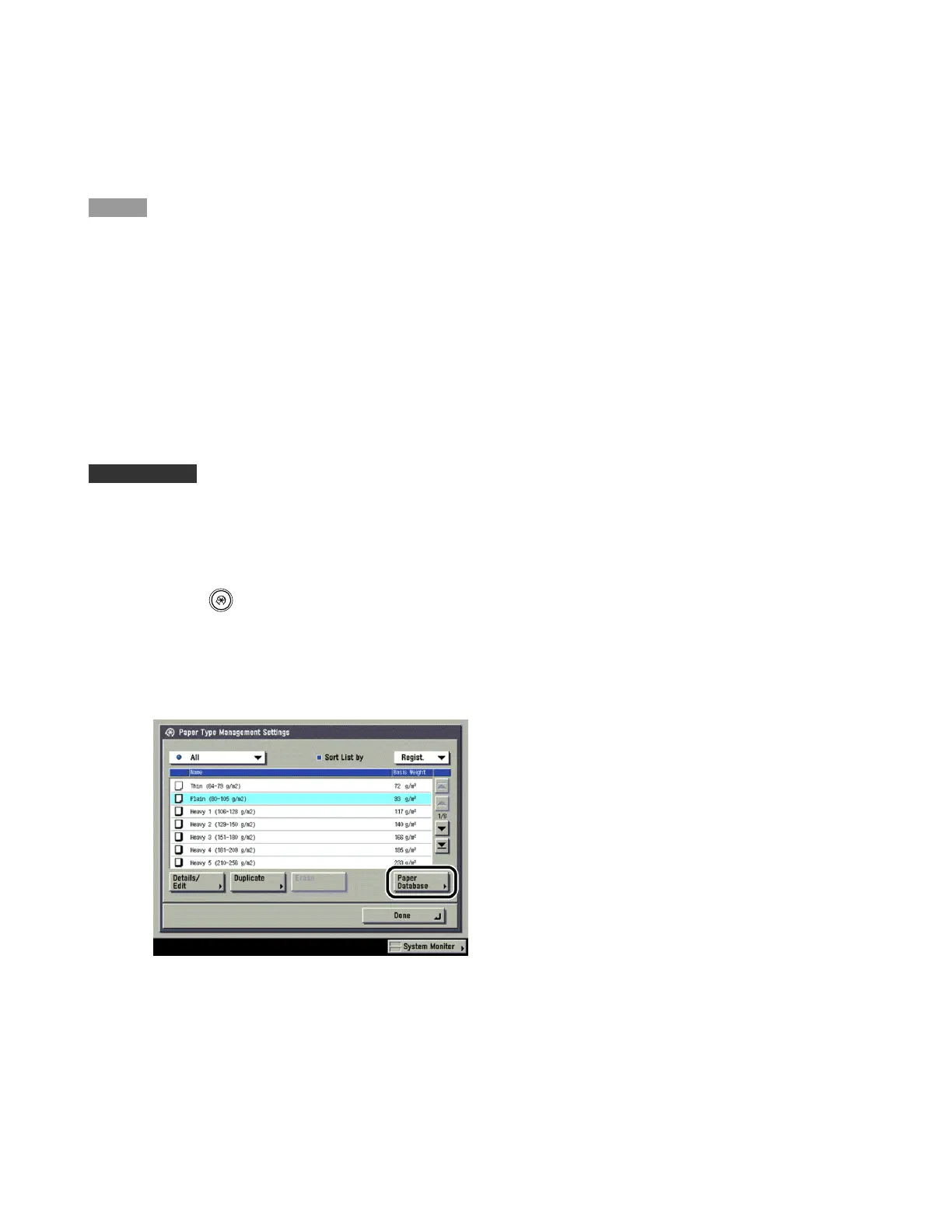
2 Press [Paper Database].












 To Next Page