20
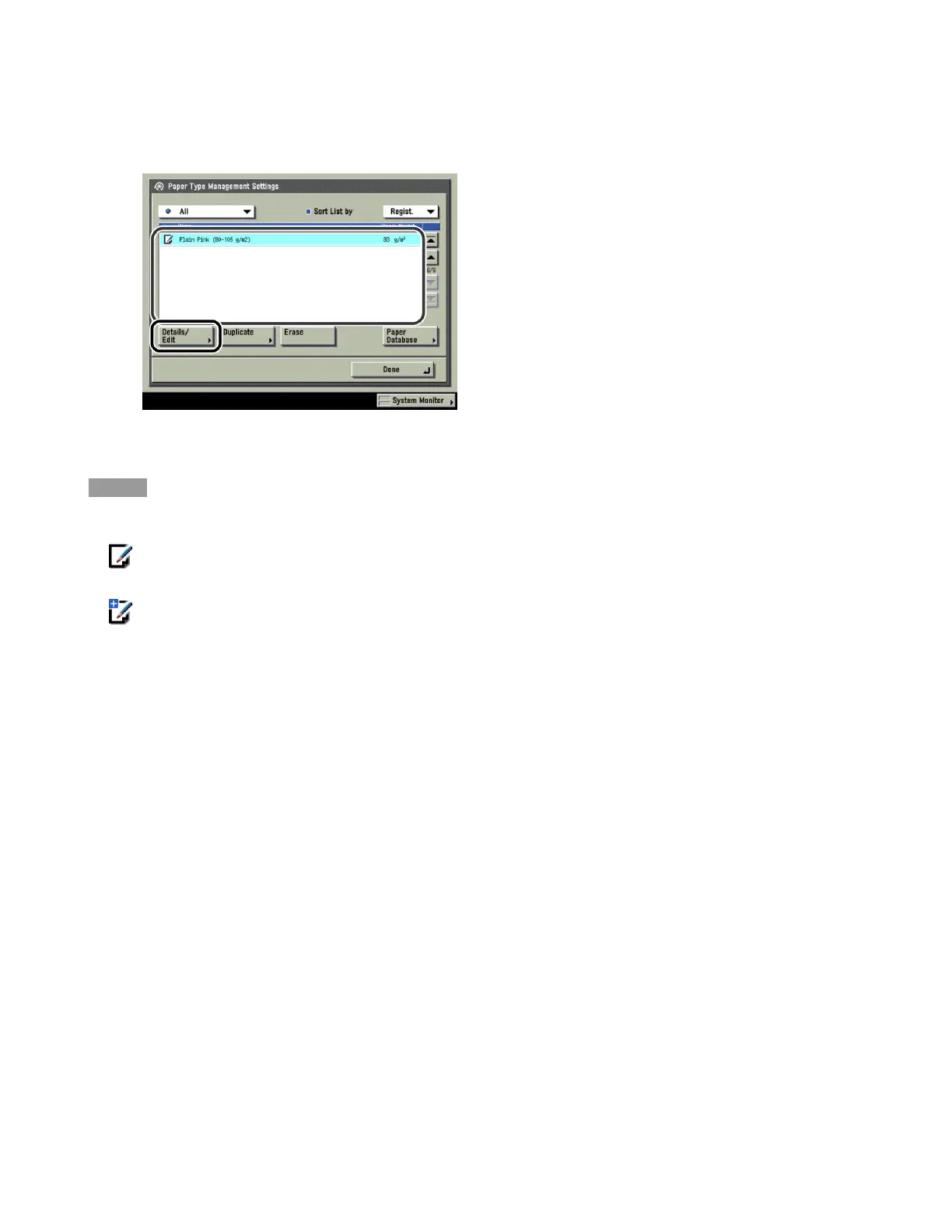
2 Select the paper type that you want to edit from the list → press [Details/Edit].
NOTE
· The meanings of the icons that appear on the left side of each paper type are described below:
:Paper that is registered from [Duplicate] or [Paper Database] with default settings.
:Paper that is registered from [Duplicate] or [Paper Database] with changed settings.
· You can select a paper type to display from the paper type selection drop-down list.
- [All]: Displays all paper types.
- [Standard]: Displays only standard paper types.
- [Custom]: Displays only custom paper types.
· You can sort the paper type list by registration date ([Regist.]), name ([Name]), or basis weight ([Weight]) from
the Sort List by drop-down list.
3 Press [Change] next to <Name>.












 To Next Page