31
2 Select the paper type that you want to edit from the list → press [Details/Edit].
NOTE
· The meanings of the icons that appear on the left side of each paper type are described below:
:Paper that is registered from [Duplicate] or [Paper Database] with default settings.
:Paper that is registered from [Duplicate] or [Paper Database] with changed settings.
· You can select a paper type to display from the paper type selection drop-down list.
- [All]: Displays all paper types.
- [Standard]: Displays only standard paper types.
- [Custom]: Displays only custom paper types.
· You can sort the paper type list by registration date ([Regist.]), name ([Name]), or basis weight ([Weight]) from
the Sort List by drop-down list.
3 Press [Change] next to <Curl Correction Level>.
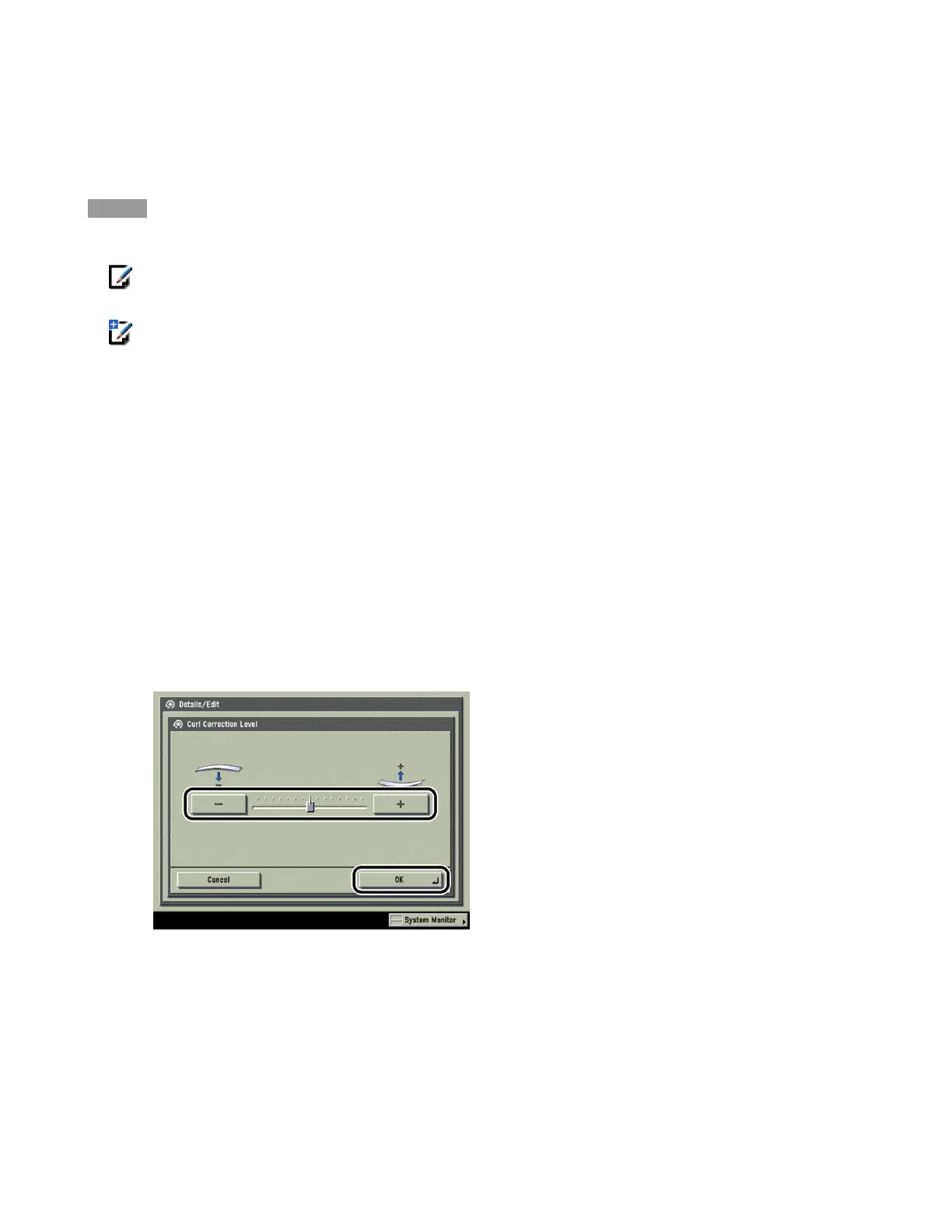
4 Press [-] or [+] to correct the level of paper curl → press [OK].
Paper curl is negated by adjusting the paper in the opposite direction to which it is curled. Make test
copies or prints on the paper that you have adjusted, and check the curl correction level.












 To Next Page