51
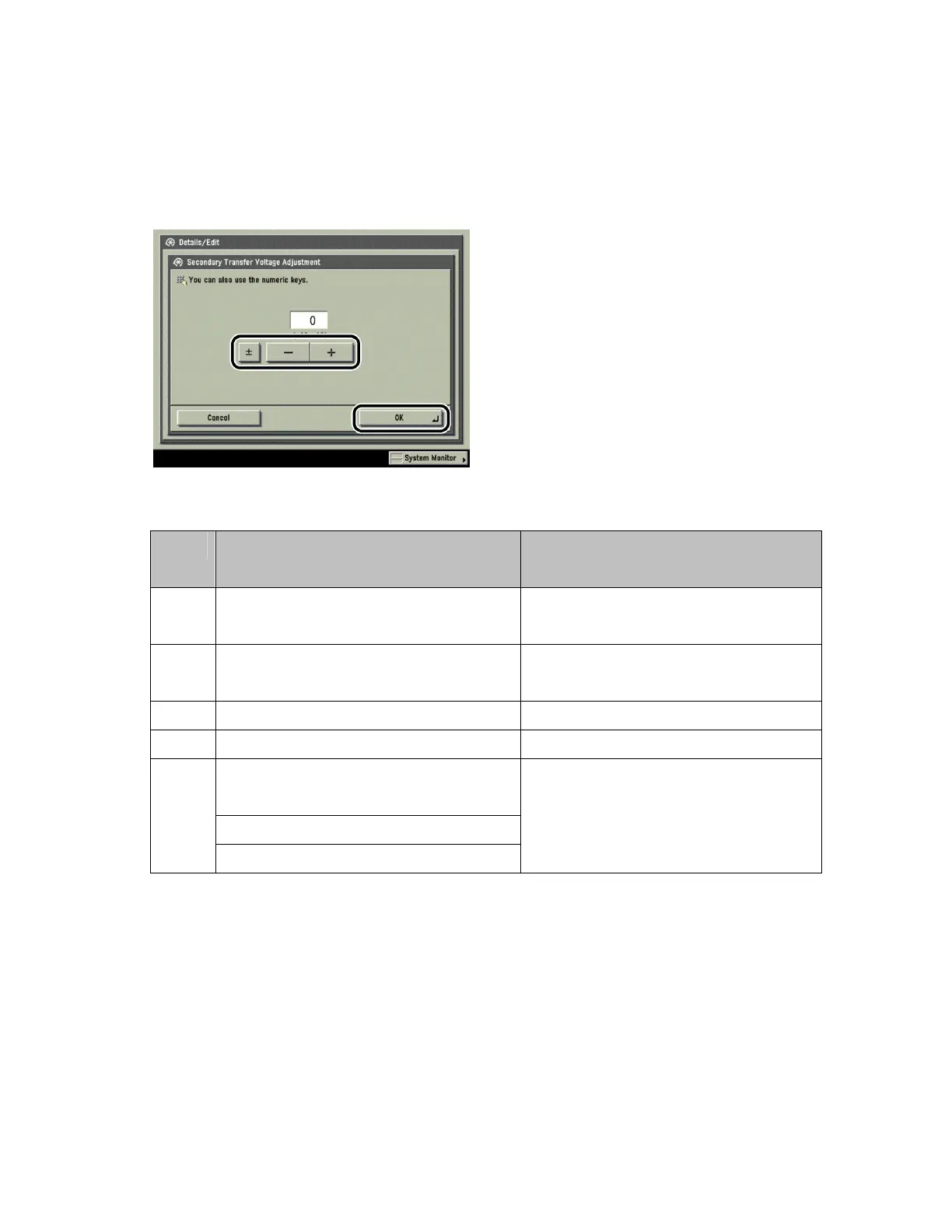
3 Press [Change] next to <Secondary Transfer Voltage>.
4 Press [-] or [+] to adjust the voltage → press [OK].
Adjustment range is -10 to +10.
Adjustment in [-] Direction Is
Recommended
Adjustment in [+] Direction Is
Recommended
Paper
Weight
Light (thin paper) Heavy (thick paper)
Surface
Texture
Smooth Rough
Friction Low (smooth) High (rough)
Density Areas of low density toner are light. Areas of high density toner are light.
Tiny white spots appear on areas of high
density.
Text and fine line smear.
Poor
Images
White spots appear on areas of high density.
Outline blurring due to excessive amount of
toner.
5 Press [Done].












 To Next Page