25
Replacing Ink Tanks
If the Tab Selection screen is not displayed, press the Menu button.•
1
2
3
1
Access the menu for ink tank replacement
On the Tab Selection screen of the Control Panel , press
◄ or ► to select the Ink tab ( ).
Press the OK button.
Press ▲ or ▼ to select Rep. Ink Tank , and then press the
OK button.
A message on the Display Screen requests you to open
the Ink Tank Cover . Remove the Ink Tank at this point.
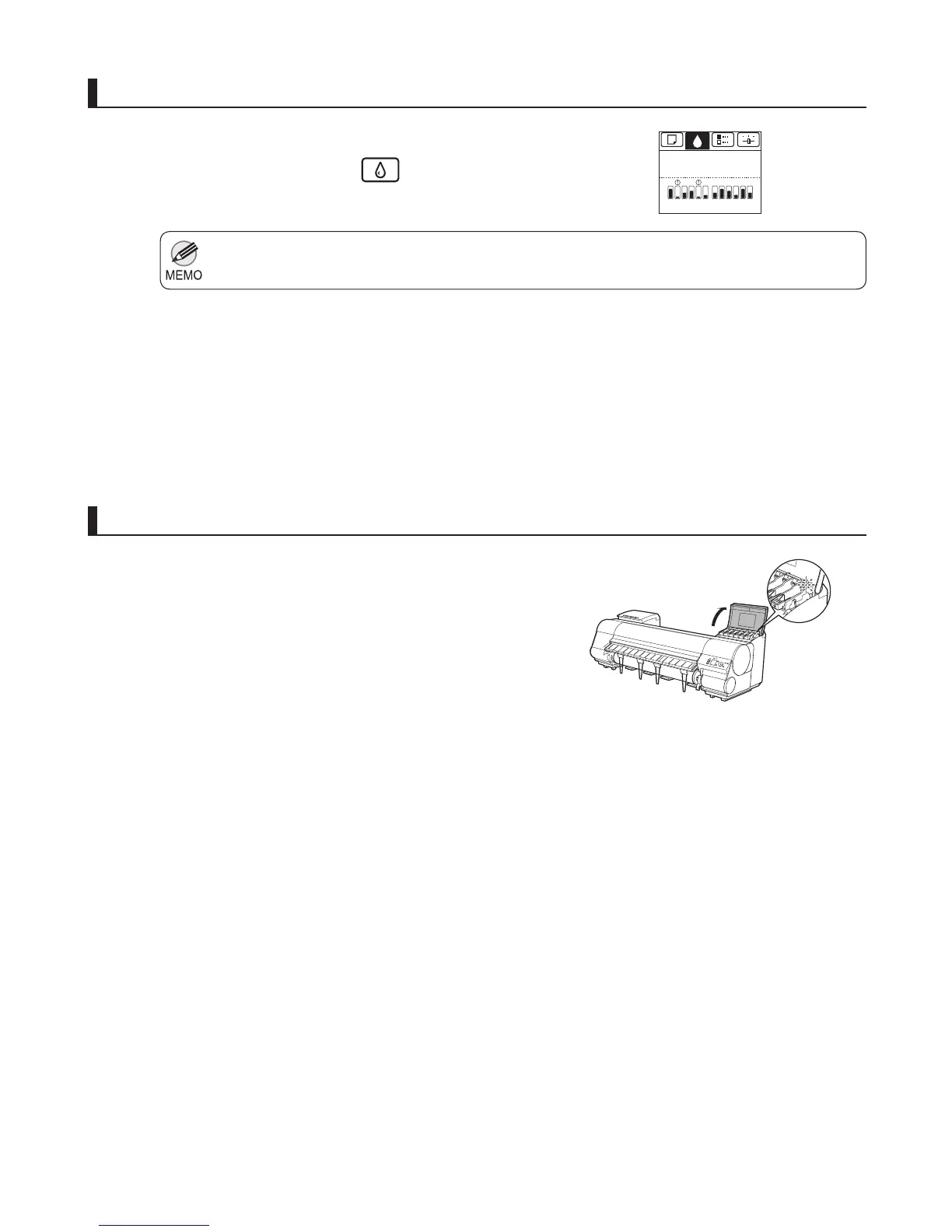
Open the Ink Tank Cover of the tank for replacement and
check the Ink Lamp .
Remove the ink tanks
The Ink Lamp fl ashes quickly if there is no ink left.
The Ink Menu is displayed.
G
Y
CY
M
B
K
P
G
Y
P
M
RB
B
K
GMP
C
Printing
OK: Ink Menu
B













 To Next Page