31
Replacing the Maintenance Cartridge
If the Tab Selection screen is not displayed, press the Menu button.•
1
2
3
4
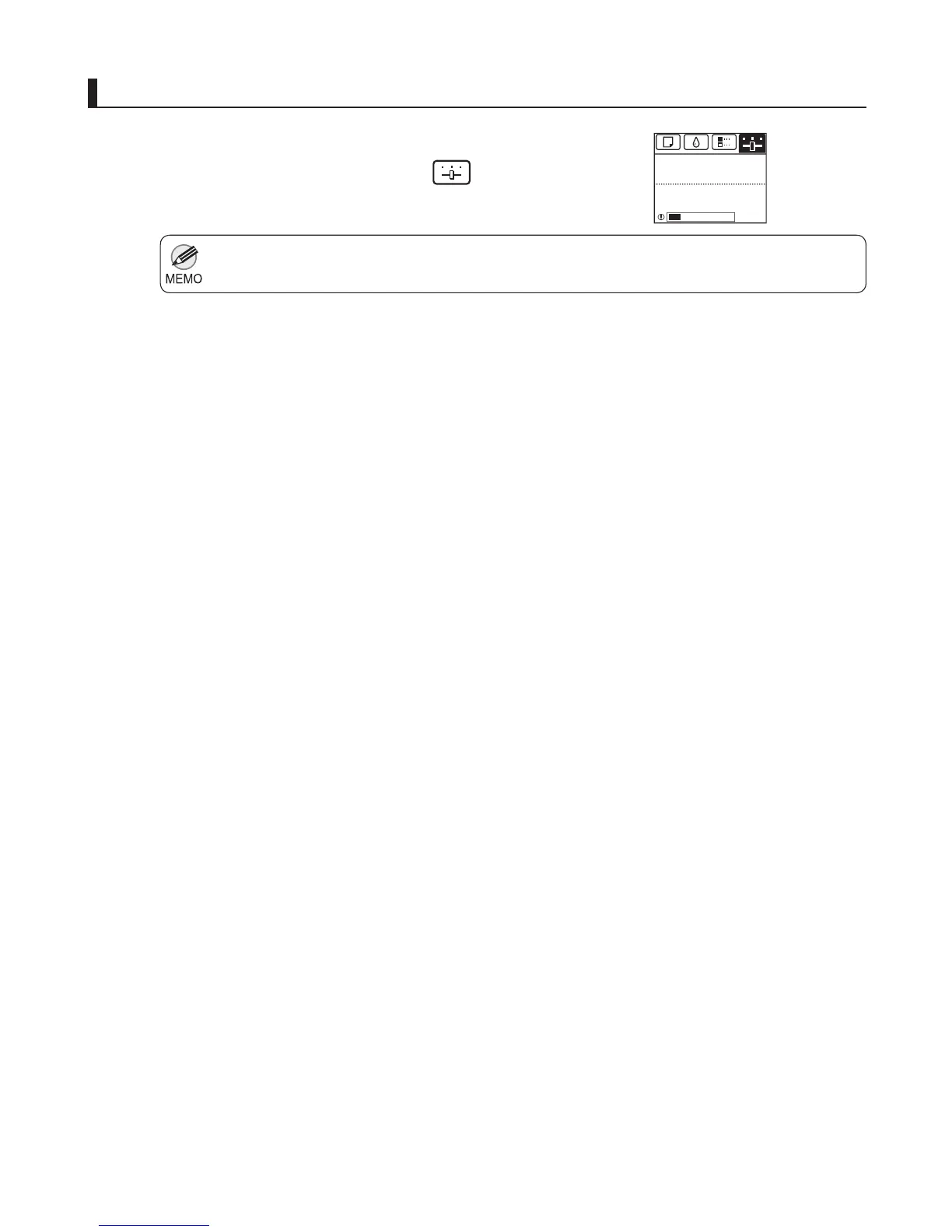
On the Tab Selection screen of the Control Panel , press
◄ or ► to select the Settings/Adj. tab (
).
Press the OK button.
Press ▲ or ▼ to select Maintenance , and then press the
OK button.
Press ▲ or ▼ to select Repl. Maint. C , and then press
the OK button.
A message on the Display Screen advises you to open
the Maintenance Cartridge Cover .
Access the menu for maintenance cartridge replacement
The Set./Adj. Menu is displayed.
Printing
OK:Setting/Adj. Menu
The level is low
Maint. cart.













 To Next Page