14
Always load rolls when the printer is on. If the printer is off when you load a roll, the paper may not be advanced
correctly when you turn the printer on.
•
If any paper has been advanced that will not be used, a message is shown requesting you to remove it.•
Press ▲ or ▼ to select Yes , and then press the OK button. Remove the paper and go to the next step.
Before loading rolls, make sure the printer is clean inside the Top Cover and around the Ejection Guide . If these
areas are dirty, we recommend cleaning them in advance. (→
, If Paper is Soiled)
•
1
2
3
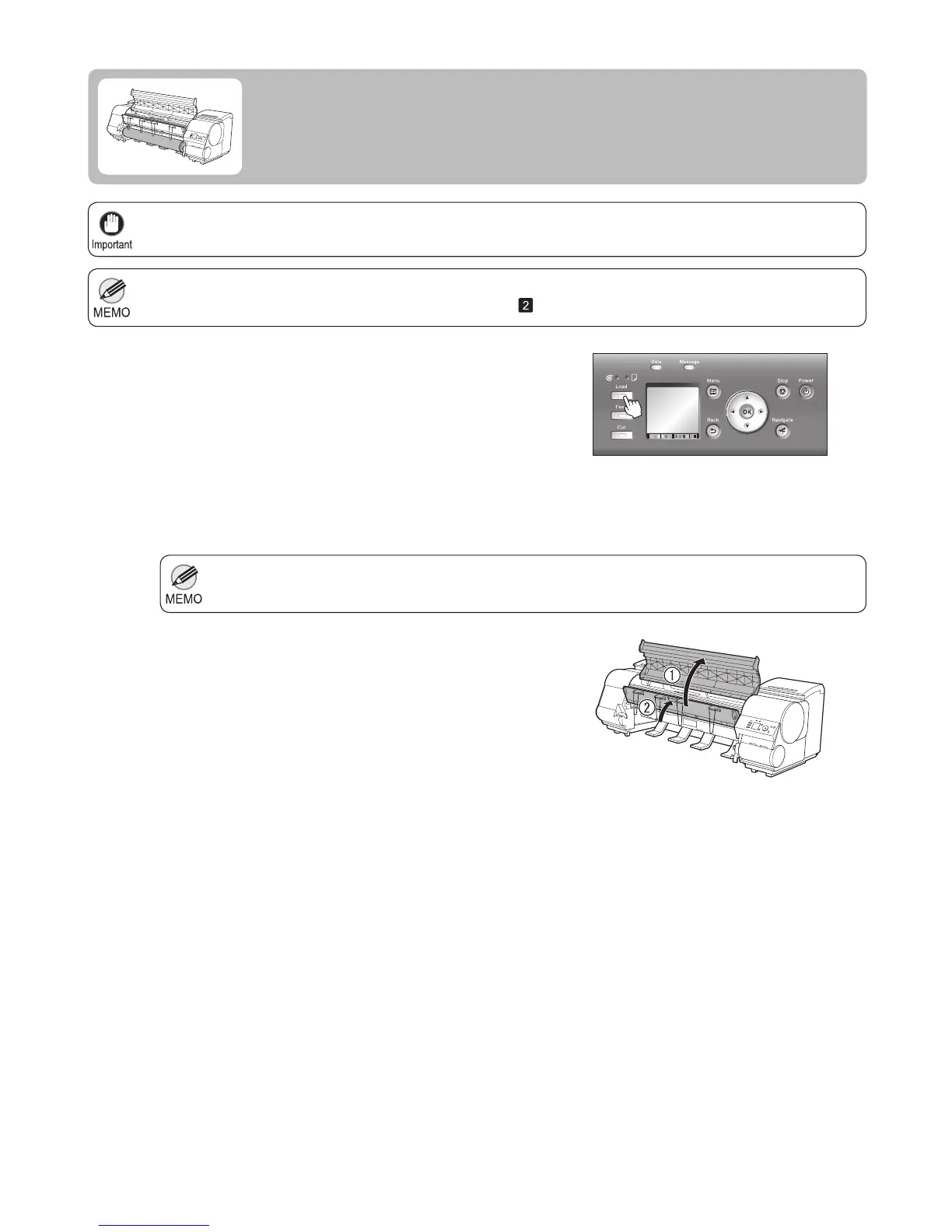
Press the Load button.
Press ▲ or ▼ to select Roll Paper , and then press the
OK button.
Loading Rolls in the Printer
Load rolls in the printer as follows.
Open the Top Cover and lift the Ejection Guide .













 To Next Page