29
Replacing Ink Tanks
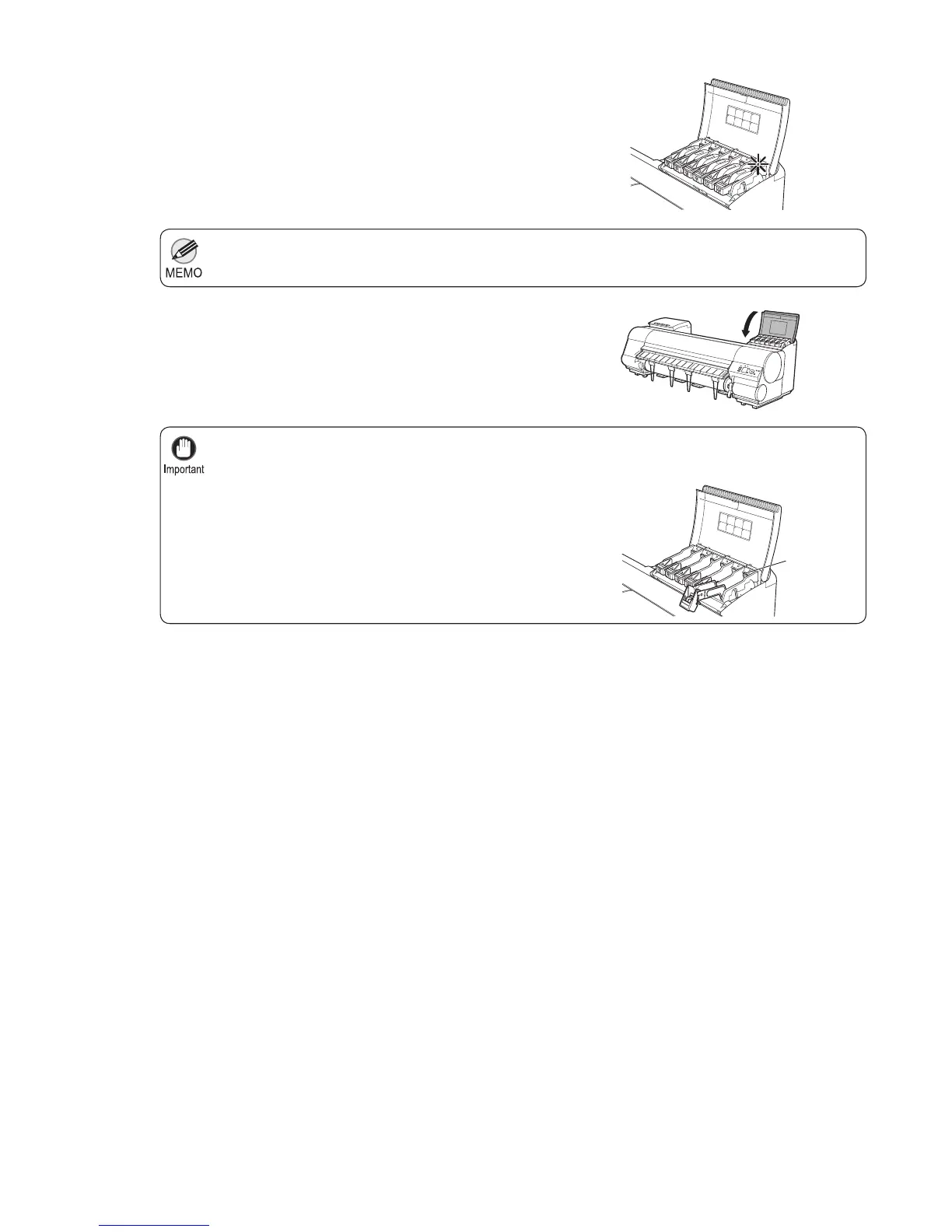
If the Ink Lamp is not lit, reload the tank.•
After Ink Tank replacement, always close the Ink Tank Cover . If the Ink Tank Cover cannot close,
some Ink Tank Lock Lever may not be closed completely. Make sure all ink tank lock levers are fully
closed.
•
To close the Ink Tank Cover when no Ink Tank is
installed (as when moving the printer), push the release
lever (a) as shown while returning the Ink Tank Lock
Lever to the original position.
•
5
6
Make sure the Ink Lamp is lit.
Close the Ink Tank Cover .
P
M
R
G
B
B
K
M
P
M
R
G
B
K
M
B
a













 To Next Page